
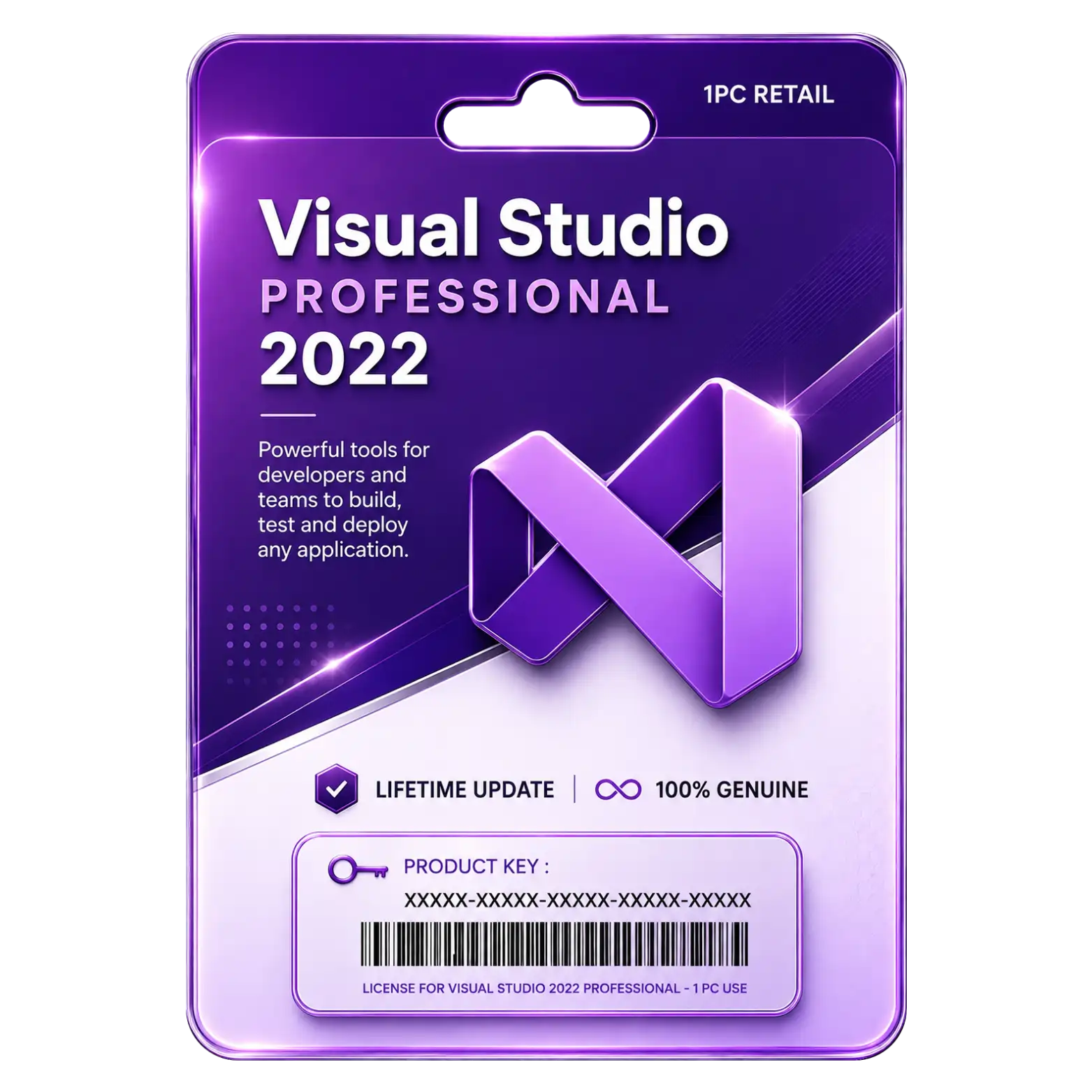
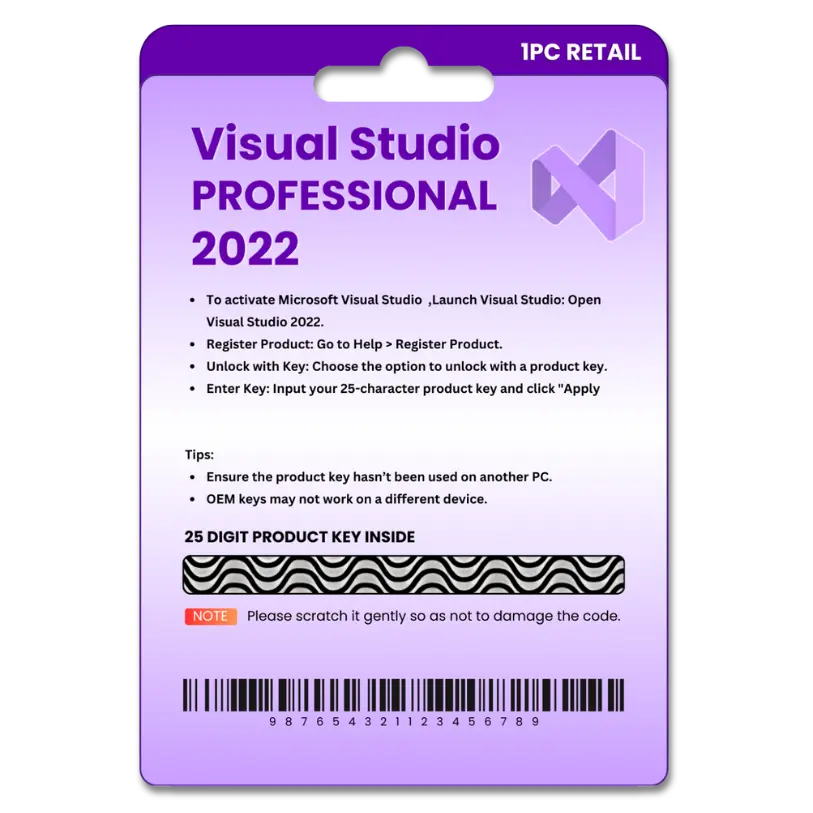
Visual Studio 2022 Professional for 1PC

Original price was: ₹2,549.00.Current price is: ₹1,549.00. License

refundable Refundable Free Support 24/7 Free Support Documented Well Documented

price You are saving ₹1000 on this exciting deal Deal

223 People watching this product now!
Description
🌟Featureℹ️Description
Delivery Time
30 Minutes
Included
Key/Download Link/Guide
License Type
Online Activation
Validity
Lifetime
User/Device
1 User
Platform
Windows PC
Support
24 Hrs
Return/Replacement
7Days

Integrated Development Environment Supports Modern Development

Build, debug, test, and deploy applications using tools across multiple supported programming languages.

Advanced Debugging Tools Help Identify Code Issues

Use breakpoints, watches, diagnostics, and debugging features to locate and resolve application issues efficiently.

Integrated Git Tools Simplify Source Control Workflows

Manage repositories, branches, commits, merges, and collaboration directly within the development environment efficiently.

Testing Tools Improve Application Quality And Reliability

Create and run tests to identify defects and improve application reliability before deployment efficiently.

Frequently Asked Questions (FAQs)

How do I activate our purchased product?

After installation, enter the product key provided with your purchase. Follow the on-screen instructions to activate.

Is it genuine software license? Will it activate our pre-installed software?

Yes, It's 100% genuine and will activate it on your pre-installed software program, Or you can download your software from official link!

How much time will it take to deliver after placing the order?

Usually it takes 5 minutes to complete your digital delivery via WhatsApp or Email, But in certain circumstances It may take upto 12 hours.

Reviews (0)

Reviews

There are no reviews yet.

Be the first to review “Visual Studio 2022 Professional for 1PC”

Your email address will not be published. Required fields are marked *

You have to be logged in to be able to add photos to your review.

INSTALLATION GUIDE

Visual Studio 2022 Professional Installation Guide

1. Download
Download the Visual Studio 2022 Professional setup file from the provided download link.

2. Run the Installer
Right-click the downloaded setup file and select Run as Administrator.

3. Start Installation
Open the Visual Studio Installer and select Visual Studio 2022 Professional.

4. Select Workloads
Choose the required development workloads, such as .NET Desktop Development or Desktop Development with C++, then click Install.

5. Complete Installation
Wait for the installation to finish, then launch Visual Studio 2022.

6. Sign In
Sign in with your Microsoft account when prompted.

7. Enter Product Key
Go to Help → Register Product and enter the product key provided with your purchase.

8. Activate & Start Using
Complete the activation process and start using Visual Studio 2022 Professional for development.