


Sale
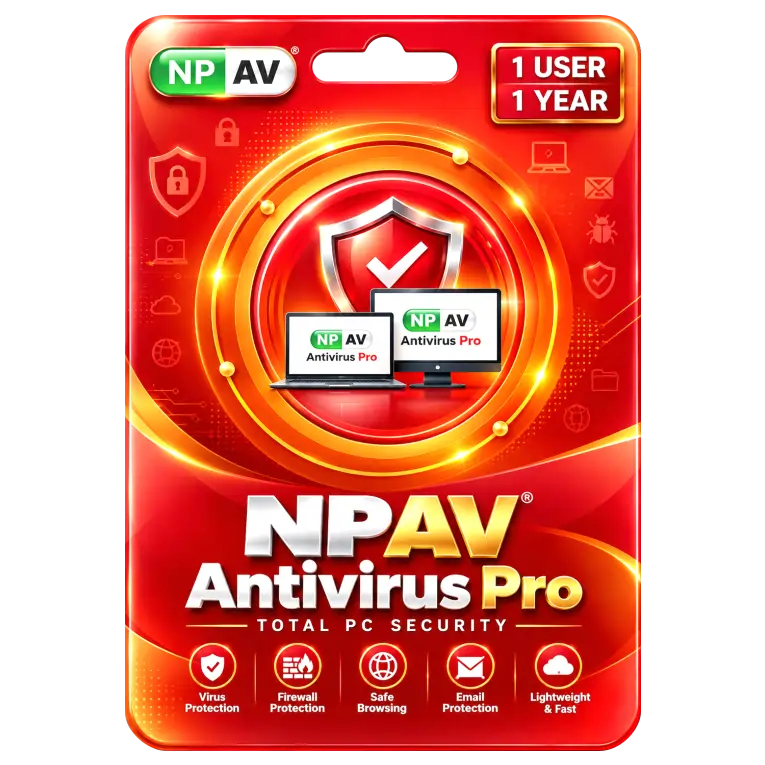
NPAV Antivirus Pro 1 Device 1 Year
Original price was: ₹1,000.00.₹279.00Current price is: ₹279.00. License

307
People watching this product now!
Description

Real-Time Virus Protection Blocks Malicious Threats Effectively
Firewall Protection Helps Secure Network Connections Effectively
Email Protection Helps Detect Suspicious Messages Effectively
Lightweight Design Delivers Fast Smooth Antivirus Performance

Reviews (0)
INSTALLATION GUIDE
NPAV Antivirus Pro — Installation Guide
- Download the NPAV Antivirus Pro setup file.
- Make sure your PC is connected to the Internet.
- Uninstall any other antivirus software before installation.
- Run the NPAV setup file as Administrator.
- Accept the License Agreement.
- Follow the on-screen instructions and click Install.
- Wait for the installation to complete.
- Restart your PC if prompted.
- Open NPAV Antivirus Pro and allow it to download the latest updates.
- Activate the product using the license key provided with your purchase.
Related products

Sale
Original price was: ₹260.00.₹55.00Current price is: ₹55.00. License
Sale
Original price was: ₹600.00.₹310.00Current price is: ₹310.00. License
Sale
Original price was: ₹1,190.00.₹825.00Current price is: ₹825.00. License
Sale
Original price was: ₹799.00.₹549.00Current price is: ₹549.00. License
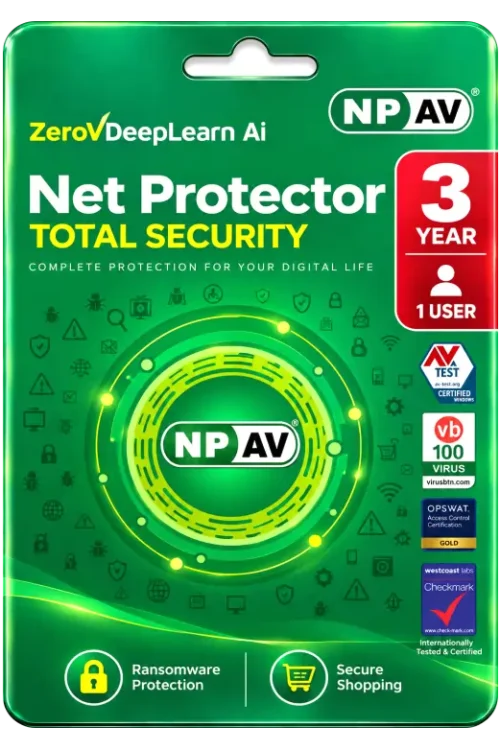
Sale
Original price was: ₹2,150.00.₹859.00Current price is: ₹859.00. License

Sale
Original price was: ₹11,999.00.₹8,550.00Current price is: ₹8,550.00. License

Sale
Original price was: ₹5,049.00.₹2,300.00Current price is: ₹2,300.00. License

Sale
Original price was: ₹4,999.00.₹2,050.00Current price is: ₹2,050.00. License


 Office 365
 Office 2024
 Office 2021
 Office 2019
 Office 2013
 Office 2010
 Office 2007
 Windows 12
 Windows 11
 Windows 10
 Windows 7






Reviews
There are no reviews yet.