


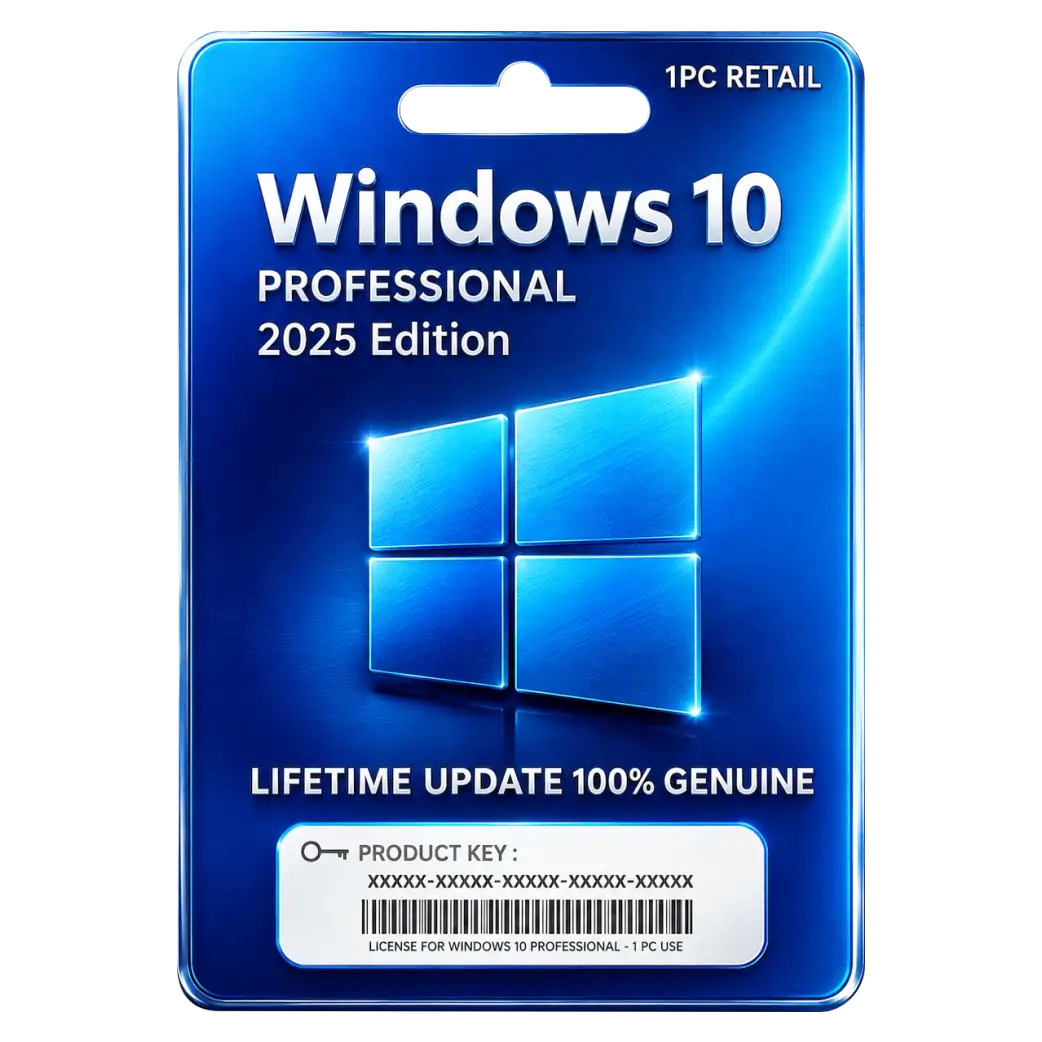
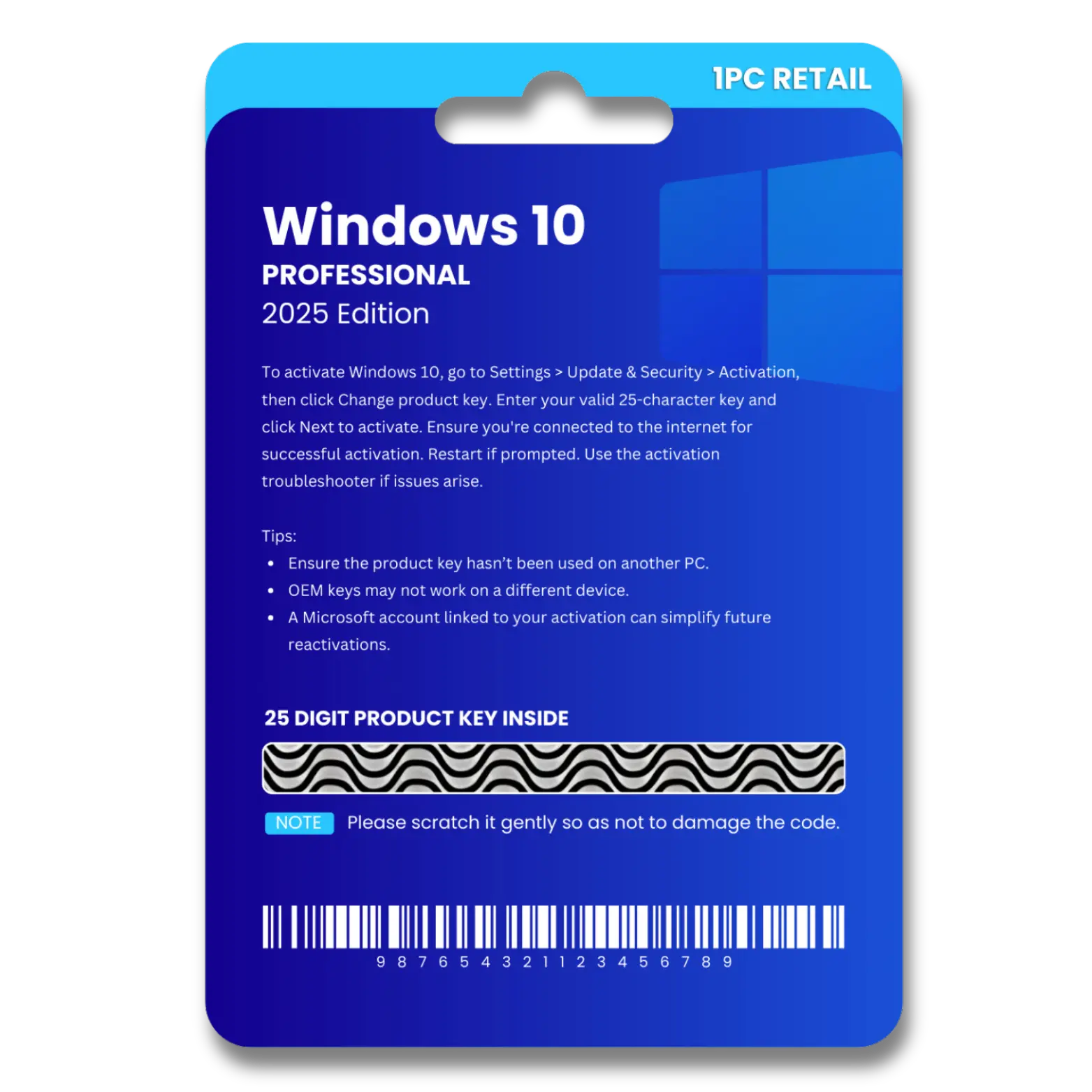
Windows 10 Pro Original License Key (Telephone)
Original price was: ₹449.00.₹140.00Current price is: ₹140.00. License


Security Helps Protect Business Data And Devices
Telephone Activation Supports Windows License Setup Process
Remote Desktop Enables Secure PC Access Remotely
Professional Features Support Business Productivity Needs.

Windows 10 Pro Retail (Telephone) Installation Guide
1. Download
Download the Windows 10 Pro setup/ISO file from the provided download link.
2. Start Installation
Open the setup file and click Install Now.
3. Select Edition
Select Windows 10 Pro and click Next.
4. Enter Product Key
Enter the Windows 10 Pro Retail product key provided with your purchase.
5. Accept License Terms
Accept the Microsoft License Terms and click Next.
6. Choose Installation Type
Select Custom: Install Windows only and choose the target drive.
7. Install Windows
Click Next and wait for the installation to complete. The PC will restart automatically.
8. Complete Setup
Follow the on-screen instructions to configure your region, keyboard, account, and other settings.
9. Telephone Activation
Go to Settings → Update & Security → Activation and select Activate by Phone if available. Follow the on-screen instructions to complete telephone activation.
10. Start Using Windows
After successful activation, Windows 10 Pro Retail is ready to use.
Related products



 Office 365
 Office 2024
 Office 2021
 Office 2019
 Office 2013
 Office 2010
 Office 2007
 Windows 12
 Windows 11
 Windows 10
 Windows 7






Reviews
There are no reviews yet.