


Sale

V-Ray Premium 1 Year Subscription for PC/Mac
Original price was: ₹60,000.00.₹6,990.00Current price is: ₹6,990.00. License

363
People watching this product now!


Related products

Sale
Original price was: ₹12,000.00.₹5,449.00Current price is: ₹5,449.00. License
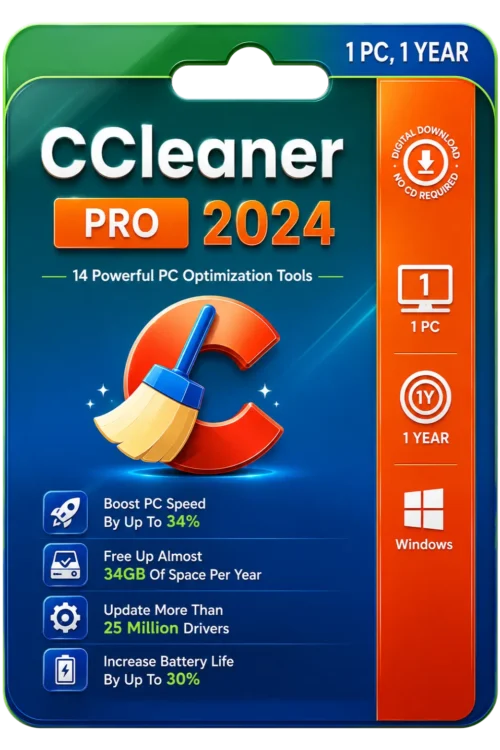
Sale
Original price was: ₹1,500.00.₹949.00Current price is: ₹949.00. License
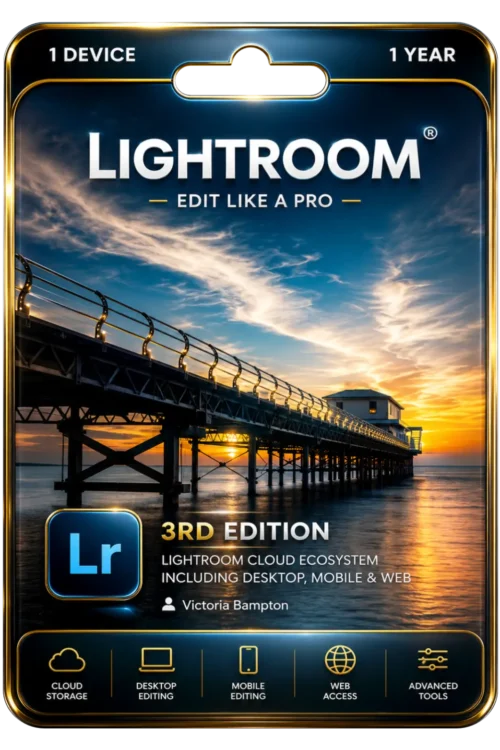
Sale
Original price was: ₹10,490.00.₹6,590.00Current price is: ₹6,590.00. License
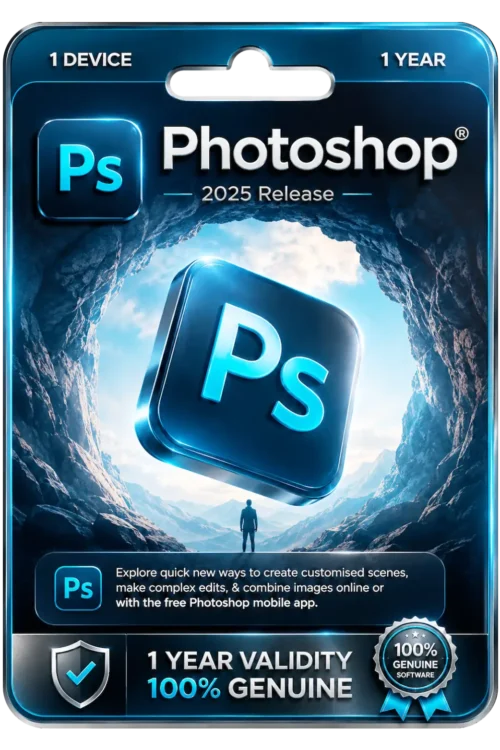
Sale
Original price was: ₹10,490.00.₹6,590.00Current price is: ₹6,590.00. License
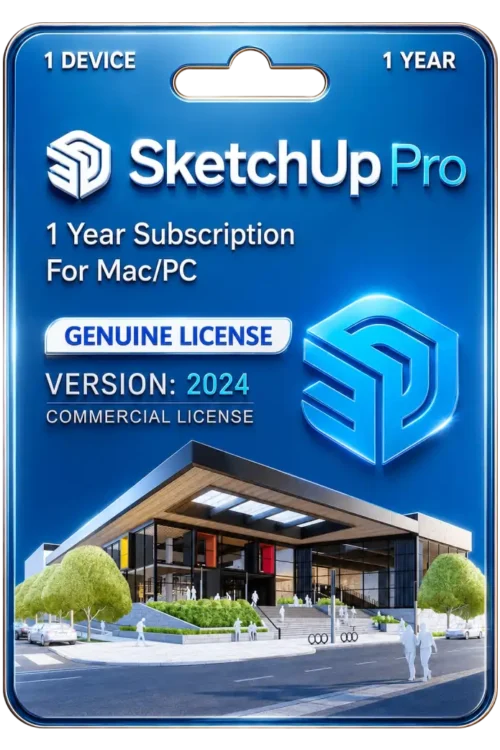
Sale
Original price was: ₹60,000.00.₹30,000.00Current price is: ₹30,000.00. License

Sale
Original price was: ₹60,000.00.₹7,500.00Current price is: ₹7,500.00. License
Sale
Original price was: ₹2,549.00.₹1,549.00Current price is: ₹1,549.00. License

Sale
Original price was: ₹8,000.00.₹5,800.00Current price is: ₹5,800.00. License


 Office 365
 Office 2024
 Office 2021
 Office 2019
 Office 2013
 Office 2010
 Office 2007
 Windows 12
 Windows 11
 Windows 10
 Windows 7






Reviews
There are no reviews yet.