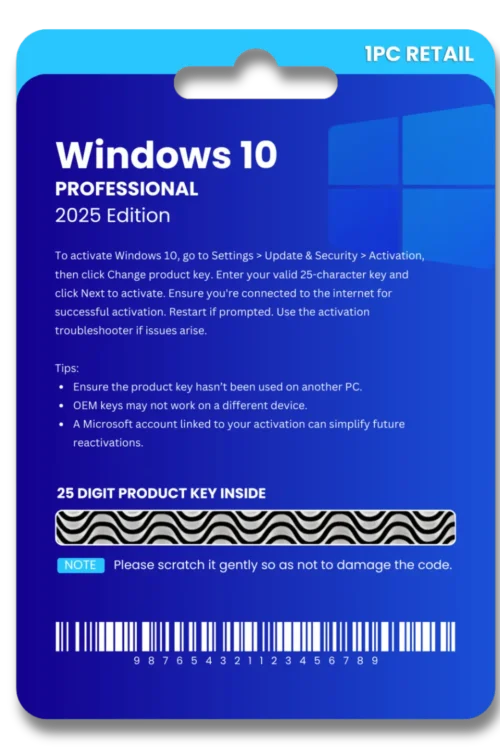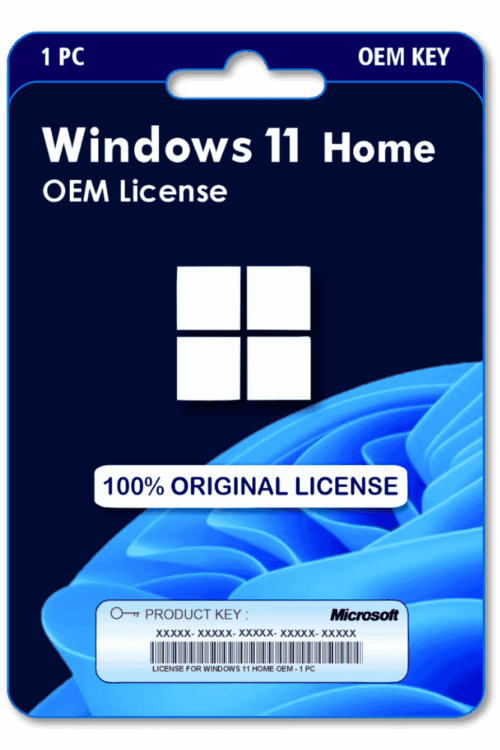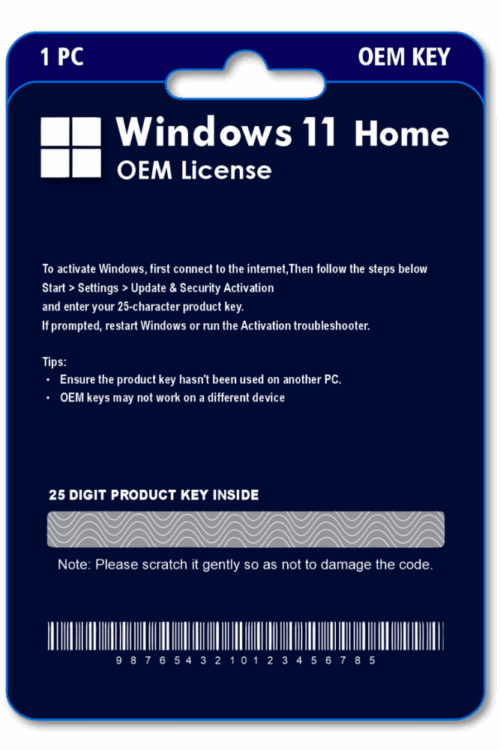
| 🌟Feature | ℹ️Description |
|---|---|
|
Delivery Time
| 60 Minutes |
|
Included
| Key/Download Link/Guide |
|
License Type
| OEM (Online Activation) |
|
Validity
| Lifetime |
|
User/Device
| 1 Key for 1 PC |
|
Platform
| Windows PC |
|
Support
| 24 Hrs |
|
Return/Replacement
| 7Days |
Familiar Windows Desktop Experience For Everyday Users
Built In Security Helps Protect Personal Data
Software Compatibility Supports Everyday Applications
Run compatible applications and connect supported peripherals for work and daily activities.
Simple Setup Provides An Easy Windows Experience
Straightforward setup helps users configure Windows, connect devices, personalize settings.
Frequently Asked Questions (FAQs)
Yes, the product is 100% genuine. You will receive official updates as per the product’s supported update period, ensuring proper performance and security.
After successful payment, activation is completed within the timeframe mentioned on the product page. In most cases, it is processed quickly without unnecessary delays.
If the product is deactivated due to a technical or system-related reason, our support team will assist with reactivation, subject to the active service or support coverage.
Official websites usually follow standard retail pricing, while probazaar.in offers products through a service-based and bundled approach. This allows us to provide the same genuine product at a more affordable price, without compromising quality.
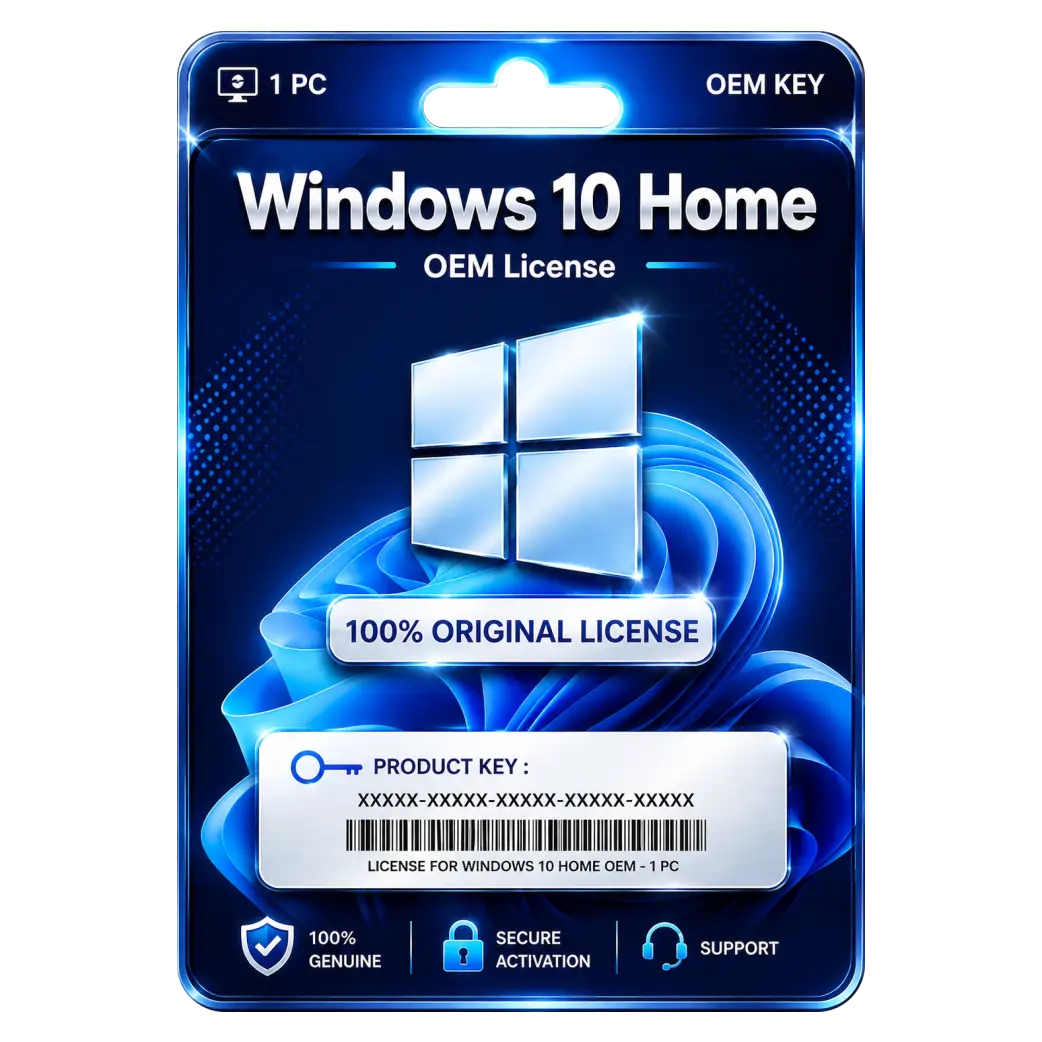
Windows 10 Home OEM Installation Guide
1. Download
Download the Windows 10 Home setup/ISO file from the provided download link.
2. Start Installation
Open the setup file and click Install Now.
3. Select Edition
Select Windows 10 Home and click Next.
4. Enter Product Key
Enter the Windows 10 Home OEM product key provided with your purchase.
5. Accept License Terms
Accept the Microsoft License Terms and click Next.
6. Choose Installation Type
Select Custom: Install Windows only and choose the target drive.
7. Install Windows
Click Next and wait for the installation to complete. The PC will restart automatically.
8. Complete Setup
Follow the on-screen instructions to configure your region, keyboard, account, and other settings.
9. Activate Windows
Go to Settings → Update & Security → Activation and verify that Windows is activated.
10. Start Using Windows
After successful activation, Windows 10 Home is ready to use.


Office 365
Office 2024
Office 2021
Office 2019
Office 2013
Office 2010
Office 2007
Windows 12
Windows 11
Windows 10
Windows 7


Reviews
There are no reviews yet.