


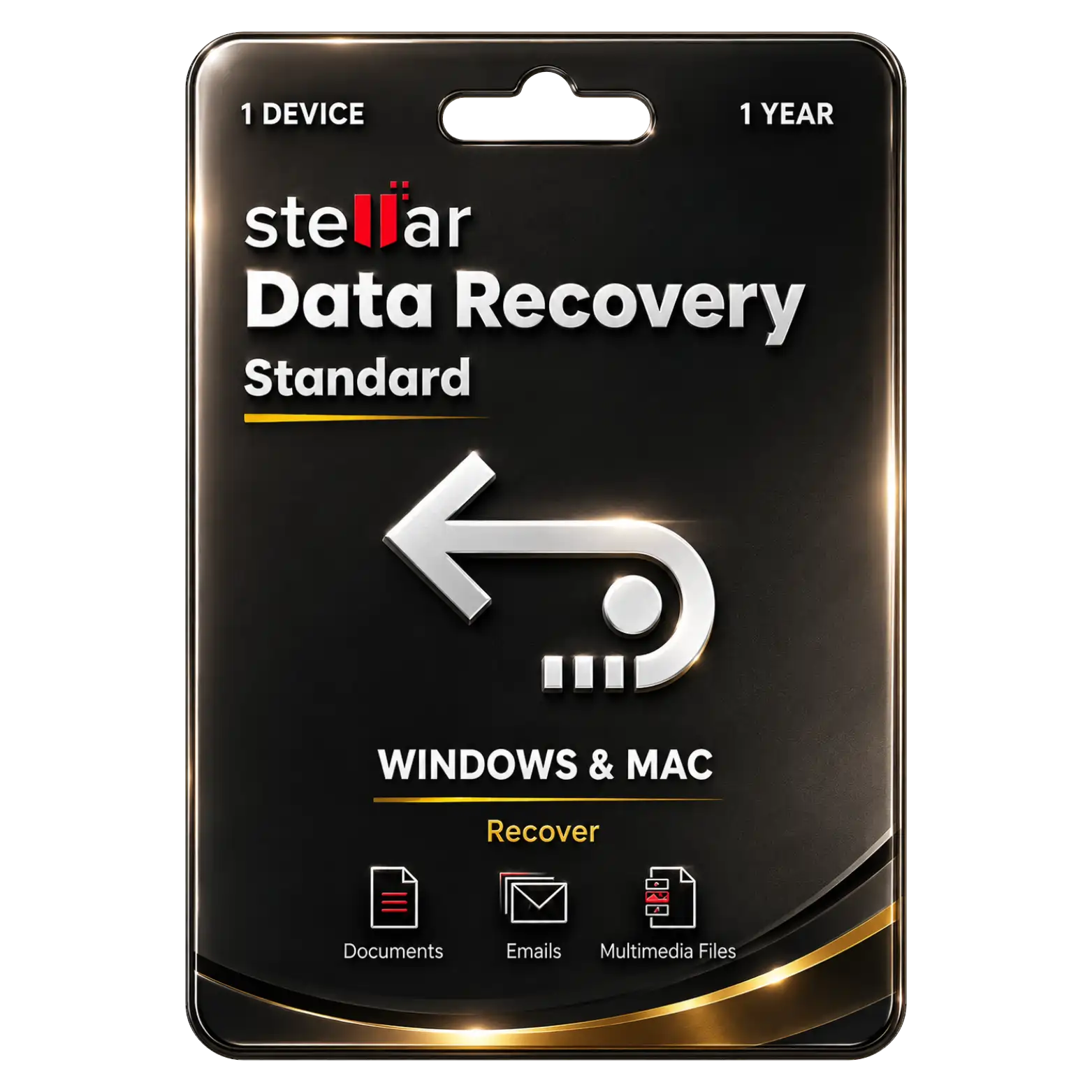
Stellar Data Recovery Standard For Windows/MAC 1 Device – 1 Year
Original price was: ₹60,000.00.₹3,449.00Current price is: ₹3,449.00. License


Recover Deleted, Lost And Formatted Files Easily Securely
Deep Scanning Technology Finds Lost Files With Precision
Supports HDDs, SSDs, USB Drives And Memory Cards
Recover Hundreds Of File Types From Supported Storage

Stellar Data Recovery Standard Installation Guide
1. Download
Download the Stellar Data Recovery Standard setup file from the provided download link.
2. Run the Installer
Open the downloaded setup file and select Run as Administrator.
3. Start Installation
Follow the installation wizard and click Next to continue.
4. Accept License Agreement
Read and accept the Stellar Software License Agreement, then click Next.
5. Choose Installation Location
Select the installation folder or keep the default location, then click Install.
6. Complete Installation
Wait for the installation to finish and click Finish.
7. Open Stellar Data Recovery
Launch Stellar Data Recovery Standard from the desktop or Start Menu.
8. Activate the Product
Enter the Activation Key provided with your purchase and click Activate.
9. Start Data Recovery
Select the required drive or storage location, choose the files you want to recover, and click Scan.
10. Recover Your Files
Preview the recoverable files, select the required files, click Recover, and choose a safe destination to save them.
Related products







 Office 365
 Office 2024
 Office 2021
 Office 2019
 Office 2013
 Office 2010
 Office 2007
 Windows 12
 Windows 11
 Windows 10
 Windows 7






Reviews
There are no reviews yet.