


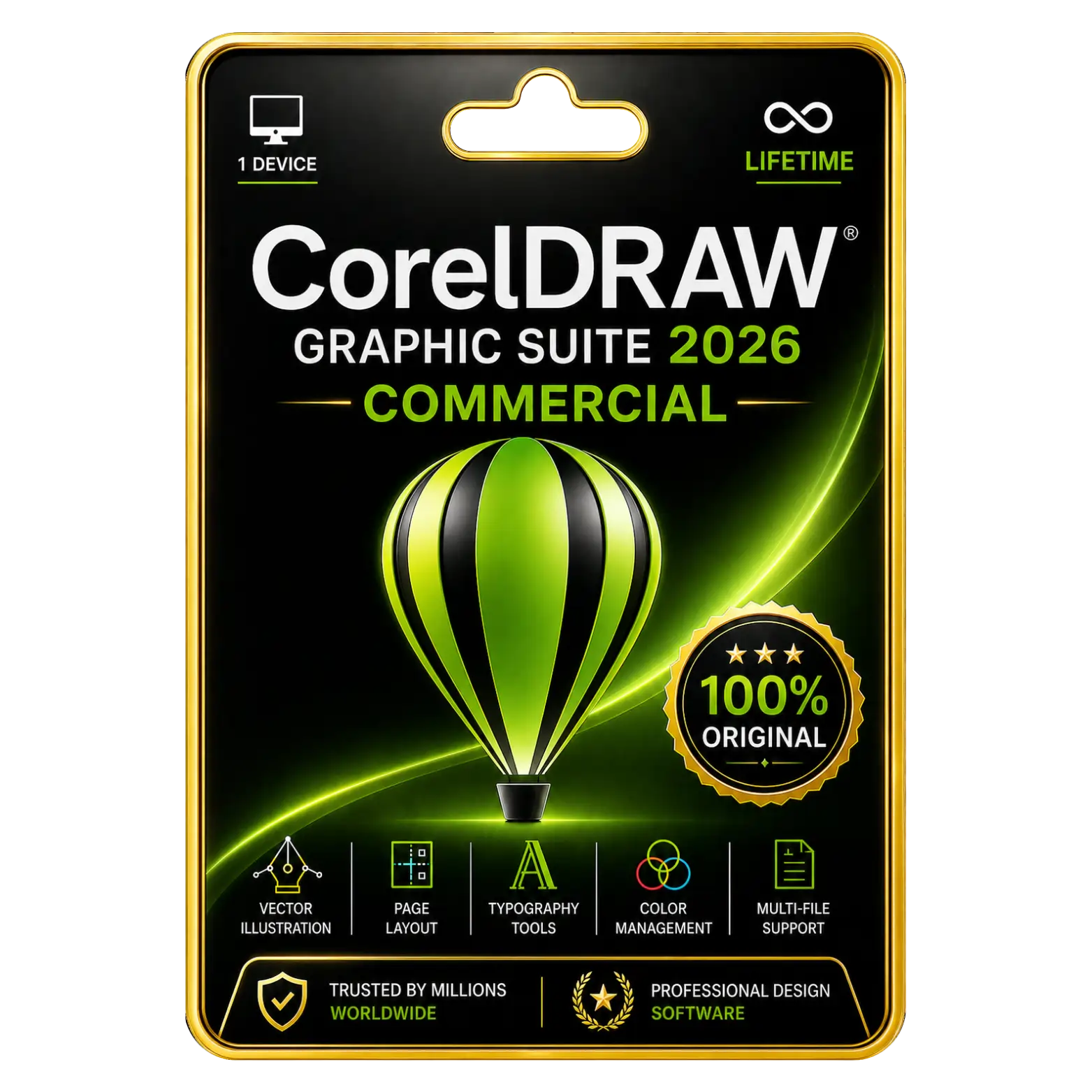
CorelDRAW Graphics Suite 2026 Commercial Original License Key
Original price was: ₹75,500.00.₹75,000.00Current price is: ₹75,000.00. License


AI Generate Creates Custom Images From Prompts
AI Background Removal Simplifies Image Editing Quickly
AI Masking Provides Precise Subject Selection Controls
Faster Performance Improves Everyday Professional Creative Workflows

CorelDRAW Graphics Suite 2026 Commercial Installation Guide
1. Download
Download the CorelDRAW Graphics Suite 2026 setup file from the provided download link.
2. Run the Installer
Open the downloaded setup file and follow the on-screen instructions.
3. Start Installation
Click Install and wait while the installation process begins.
4. Accept License Agreement
Read and accept the Corel Software License Agreement, then continue.
5. Complete Installation
Wait for the installation to finish and click Finish.
6. Launch CorelDRAW
Open CorelDRAW Graphics Suite 2026 from the Start Menu or desktop.
7. Sign In / Activate
Sign in with your Corel account and enter the product key provided with your purchase when prompted.
8. Verify License
Confirm that your Commercial License is successfully activated.
9. Start Using CorelDRAW
Once activation is complete, you can start using CorelDRAW Graphics Suite 2026 for professional graphic design.
Related products






 Office 365
 Office 2024
 Office 2021
 Office 2019
 Office 2013
 Office 2010
 Office 2007
 Windows 12
 Windows 11
 Windows 10
 Windows 7






Reviews
There are no reviews yet.