


Sale
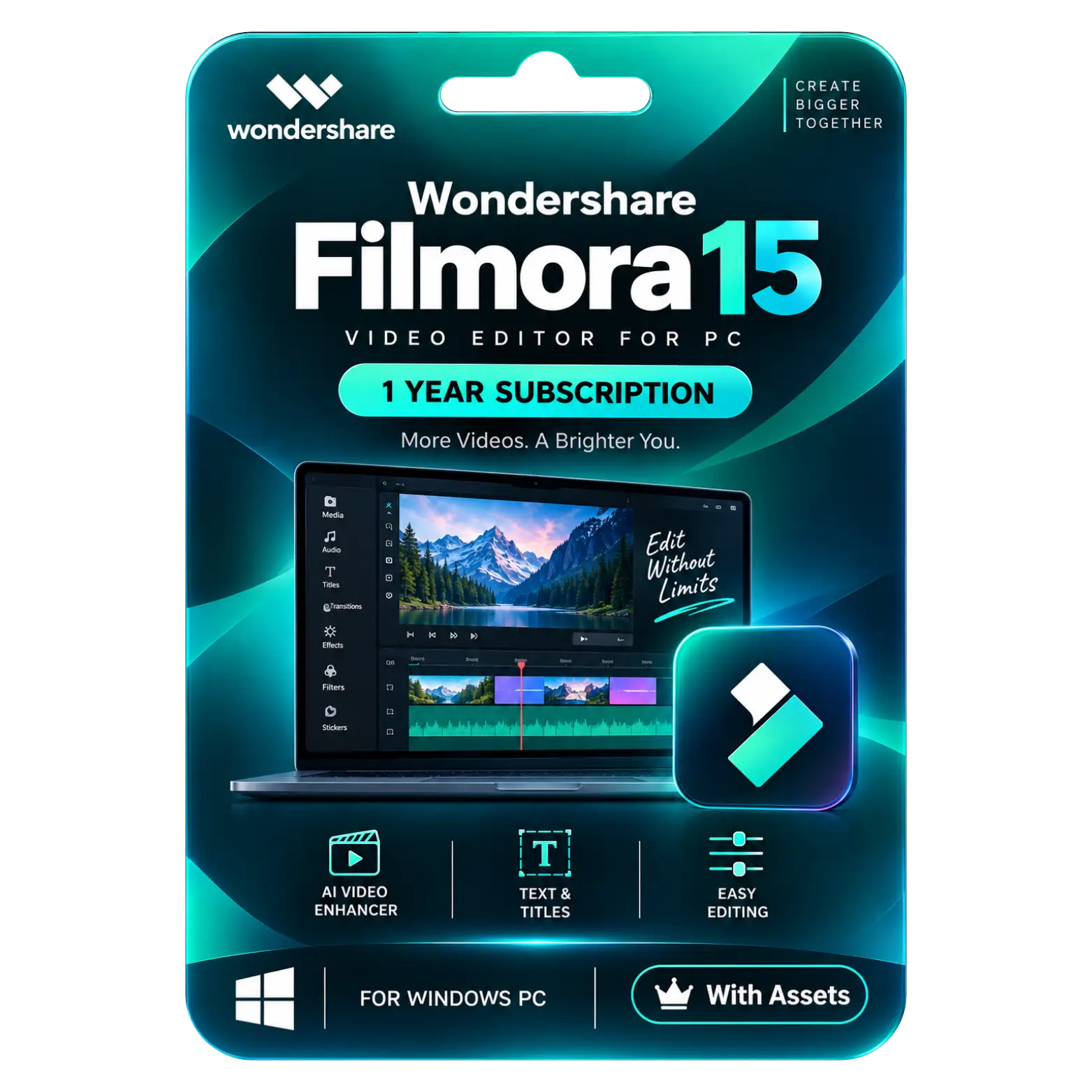
Wondershare Filmora 15 Video Editor (1 PC, 1 Year) With Assets
Original price was: ₹15,000.00.₹3,499.00Current price is: ₹3,499.00. License

393
People watching this product now!
Description

AI Extend Expands Clips For Seamless Storytelling
Text And Titles Add Professional On-Screen Elements
Easy Editing Simplifies Everyday Video Production Workflows
Creative Assets Expand Your Editing Possibilities Significantly

Reviews (0)
INSTALLATION GUIDE
🎬 Wondershare Filmora 15 — Activation Guide
- Download and install Filmora 15 on your PC.
- Open Filmora 15 and click New Project.
- Click Log In in the top-right corner.
- Sign in using the Wondershare ID provided with your purchase.
- Enter your registered email address and password.
- Allow Filmora to connect to the internet for activation.
- After login, click your profile/account icon.
- Check that your paid plan and expiry date are displayed.
- Restart Filmora if the premium status does not appear immediately.
- Start editing and export your videos without the free-version watermark.
Related products

Sale
Original price was: ₹12,000.00.₹5,449.00Current price is: ₹5,449.00. License

Sale
Original price was: ₹3,500.00.₹2,490.00Current price is: ₹2,490.00. License

Sale Sold out
Original price was: ₹47,223.00.₹6,449.00Current price is: ₹6,449.00. License
Sale
Original price was: ₹1,890.00.₹1,240.00Current price is: ₹1,240.00. License
Sale
Original price was: ₹10,490.00.₹6,590.00Current price is: ₹6,590.00. License

Sale
Original price was: ₹10,490.00.₹6,590.00Current price is: ₹6,590.00. License
Sale
Original price was: ₹60,000.00.₹8,000.00Current price is: ₹8,000.00. License
Sale
Original price was: ₹2,549.00.₹1,549.00Current price is: ₹1,549.00. License


 Office 365
 Office 2024
 Office 2021
 Office 2019
 Office 2013
 Office 2010
 Office 2007
 Windows 12
 Windows 11
 Windows 10
 Windows 7






Reviews
There are no reviews yet.