


Sale
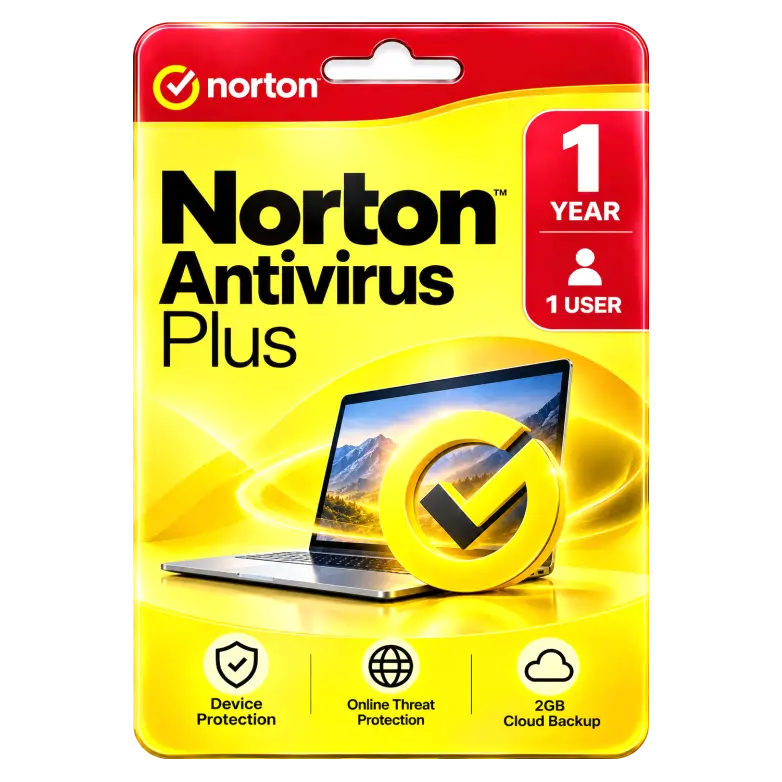
Norton Antivirus Plus 1 Device for 1 Years
Original price was: ₹799.00.₹549.00Current price is: ₹549.00. License

162
People watching this product now!
Description

Real-Time Antivirus Protects Devices Against Online Threats
AI Scam Protection Detects Deceptive Online Threats
Cloud Backup Safeguards Important Files Against Loss
Smart Firewall Blocks Unauthorized Network Traffic Effectively

Reviews (0)
INSTALLATION GUIDE
Norton Antivirus Plus — Activation Guide
- Download and install Norton Antivirus Plus on your device.
- Open the Norton application.
- Click Sign In.
- Log in with your Norton account.
- Open your Account / Subscription section.
- Select Enter a Product Key or Redeem.
- Enter the product key received with your purchase.
- Follow the on-screen instructions to complete activation.
- Restart Norton and allow it to update to the latest version.
- Check your Norton account to confirm that Norton Antivirus Plus — 1Years / 1 User is active.
Related products

Sale
Original price was: ₹1,600.00.₹675.00Current price is: ₹675.00. License
Sale
Original price was: ₹1,149.00.₹360.00Current price is: ₹360.00. License
Sale
Original price was: ₹1,149.00.₹360.00Current price is: ₹360.00. License
Sale

Original price was: ₹1,649.00.₹1,350.00Current price is: ₹1,350.00. License

Sale
Original price was: ₹1,174.00.₹500.00Current price is: ₹500.00. License

Sale
Original price was: ₹1,550.00.₹700.00Current price is: ₹700.00. License

Sale
Original price was: ₹8,999.00.₹4,400.00Current price is: ₹4,400.00. License

Sale
Original price was: ₹1,500.00.₹1,250.00Current price is: ₹1,250.00. License


 Office 365
 Office 2024
 Office 2021
 Office 2019
 Office 2013
 Office 2010
 Office 2007
 Windows 12
 Windows 11
 Windows 10
 Windows 7






Reviews
There are no reviews yet.