


Sale
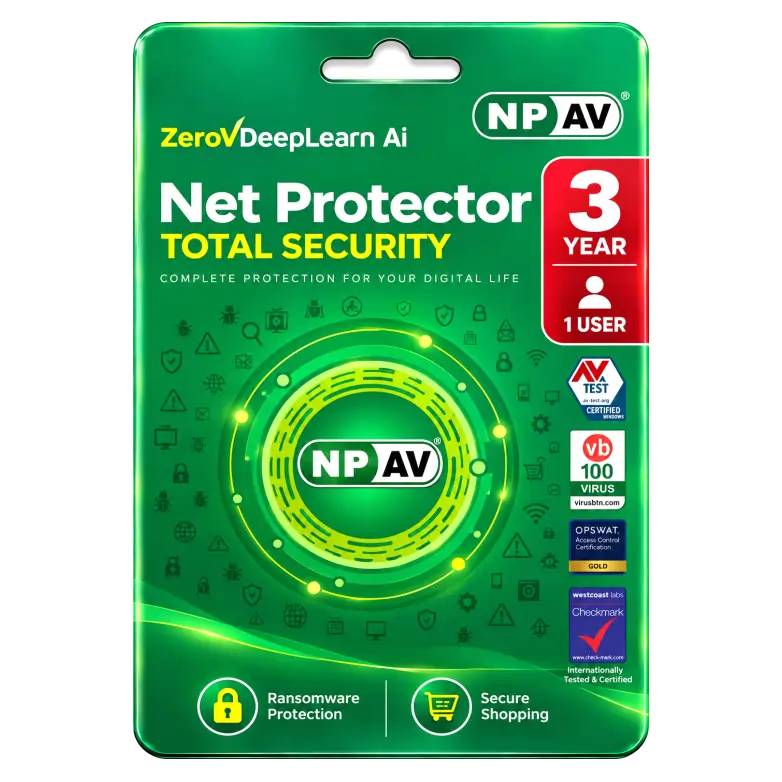
NPAV Net Protector Total Security 1 Device 3 Year
Original price was: ₹2,150.00.₹859.00Current price is: ₹859.00. License

375
People watching this product now!
Description

Ransomware Protection Safeguards Files Against Malicious Encryption
Secure Shopping Protects Online Transactions From Fraud
Automatic Backup Helps Prevent Ransomware Data Loss
Anti-Phishing Blocks Fraudulent Credential-Stealing Websites Online Effectively

Reviews (0)
INSTALLATION GUIDE
🛡️ NPAV Net Protector Total Security — Installation Guide
- Download the NPAV Net Protector Total Security setup file.
- Close any other antivirus software running on your PC.
- Run the NPAV installer as Administrator.
- Follow the on-screen instructions and accept the License Agreement.
- Select the installation location and click Install.
- Wait for the installation to complete.
- Restart your PC if prompted.
- Open NPAV Net Protector Total Security after restarting.
- Connect to the Internet and allow NPAV to download the latest security updates.
- Complete product activation using the license details provided with your purchase.
Related products

Sale
Original price was: ₹260.00.₹55.00Current price is: ₹55.00. License

Sale
Original price was: ₹699.00.₹275.00Current price is: ₹275.00. License
Sale
Original price was: ₹1,190.00.₹825.00Current price is: ₹825.00. License

Sale
Original price was: ₹1,174.00.₹500.00Current price is: ₹500.00. License

Sale
Original price was: ₹1,550.00.₹700.00Current price is: ₹700.00. License

Sale
Original price was: ₹8,999.00.₹4,400.00Current price is: ₹4,400.00. License

Sale
Original price was: ₹11,999.00.₹8,550.00Current price is: ₹8,550.00. License

Sale
Original price was: ₹6,999.00.₹4,050.00Current price is: ₹4,050.00. License


 Office 365
 Office 2024
 Office 2021
 Office 2019
 Office 2013
 Office 2010
 Office 2007
 Windows 12
 Windows 11
 Windows 10
 Windows 7






Reviews
There are no reviews yet.