


Sale
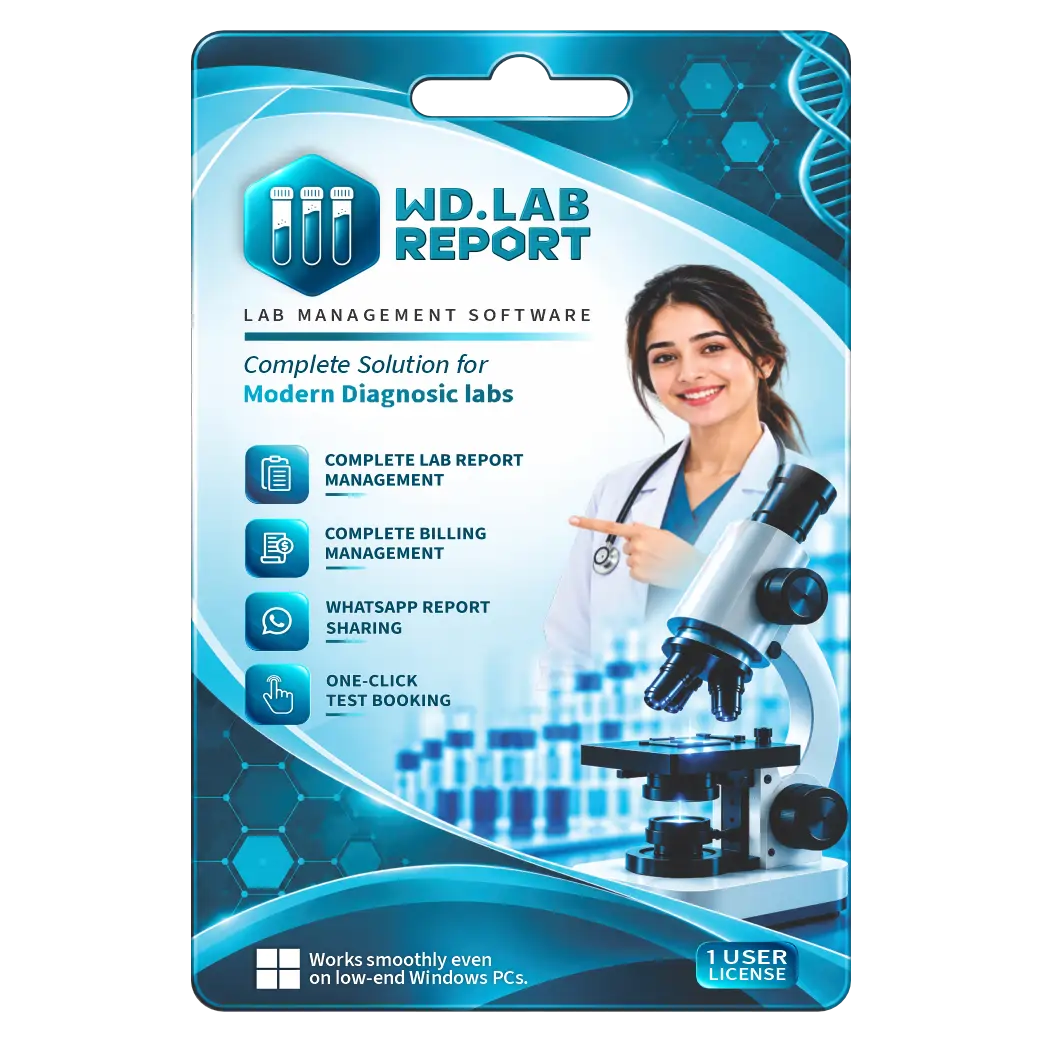
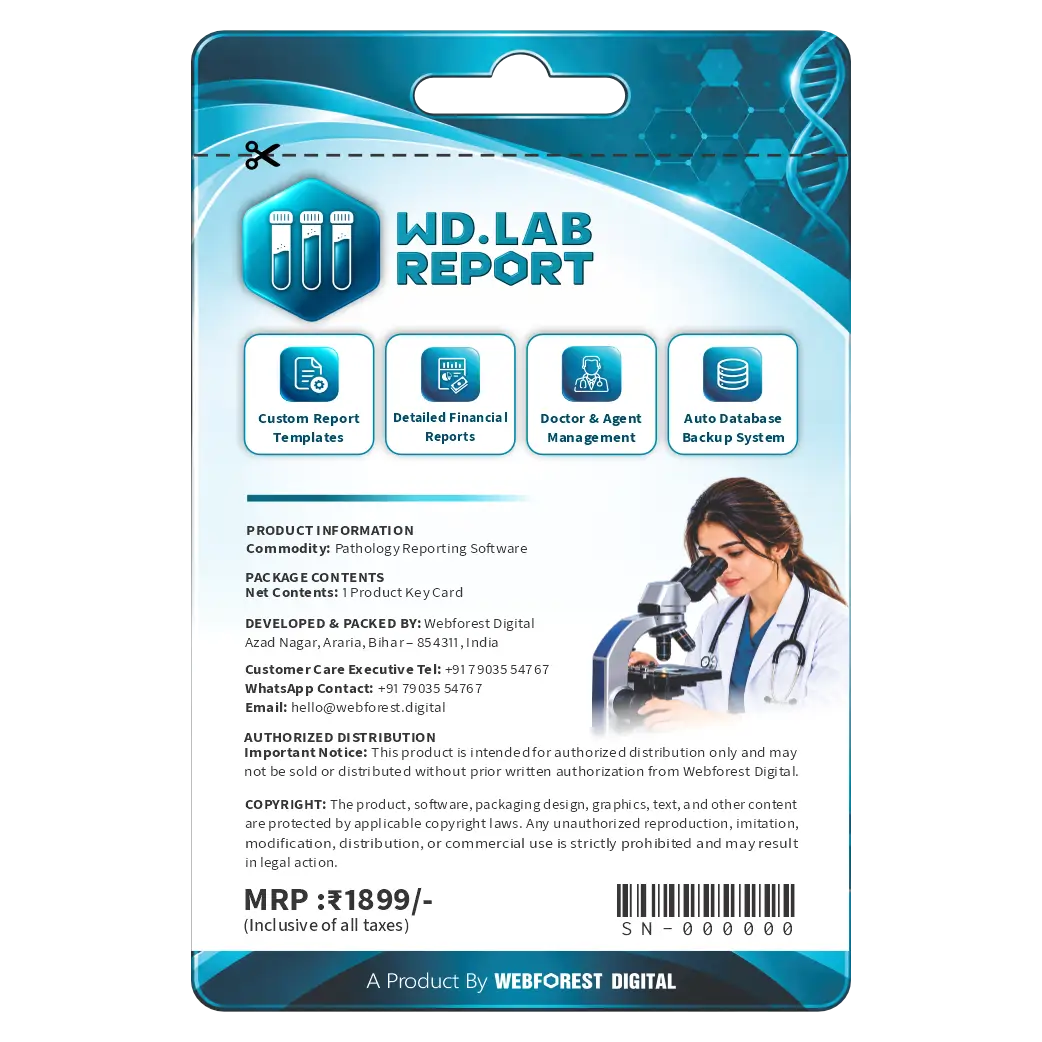
WD Lab Report Software 6 Month License
Original price was: ₹1,899.00.₹1,599.00Current price is: ₹1,599.00. License

125
People watching this product now!
Description

Fast Patient Registration And Order Booking
Professional Reports With Custom Branding Options
Easy WhatsApp Report Sharing With Patients
Comprehensive Test Management And Secure Data Backup

Reviews (0)
INSTALLATION GUIDE
WD Lab Report — Installation Guide
Open the Microsoft Store on your Windows PC.
Search for WD Lab Report.
Select the official WD Lab Report application.
Click Get / Install to download and install the software.
Wait for the installation to complete.
Open WD Lab Report from your desktop or Start Menu.
Visit the official website: **https://wdlabreport.com/**
Purchase your Product Licence Key from the website.
Enter the purchased Licence Key in the software.
Complete the activation process and start using WD Lab Report.
Related products

Sale
Original price was: ₹1,600.00.₹675.00Current price is: ₹675.00. License

Sale
Original price was: ₹1,149.00.₹360.00Current price is: ₹360.00. License

Sale
Original price was: ₹1,149.00.₹360.00Current price is: ₹360.00. License
Sale
Original price was: ₹1,174.00.₹500.00Current price is: ₹500.00. License
Sale
Original price was: ₹5,049.00.₹2,300.00Current price is: ₹2,300.00. License
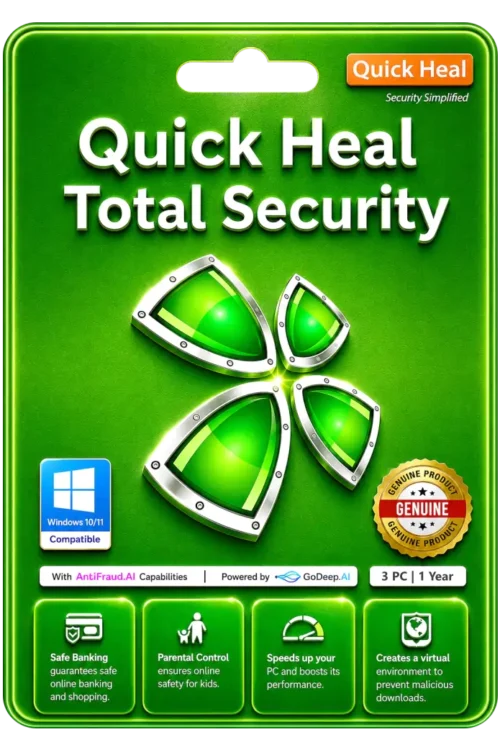
Sale
Original price was: ₹4,999.00.₹2,050.00Current price is: ₹2,050.00. License

Sale
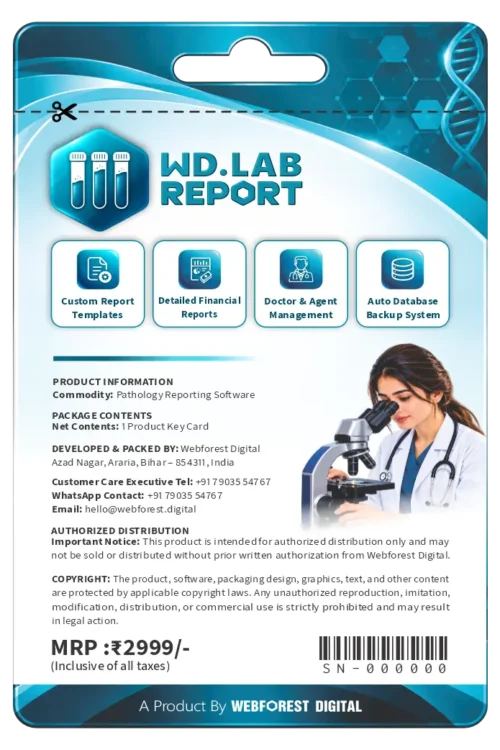
Original price was: ₹2,999.00.₹2,599.00Current price is: ₹2,599.00. License
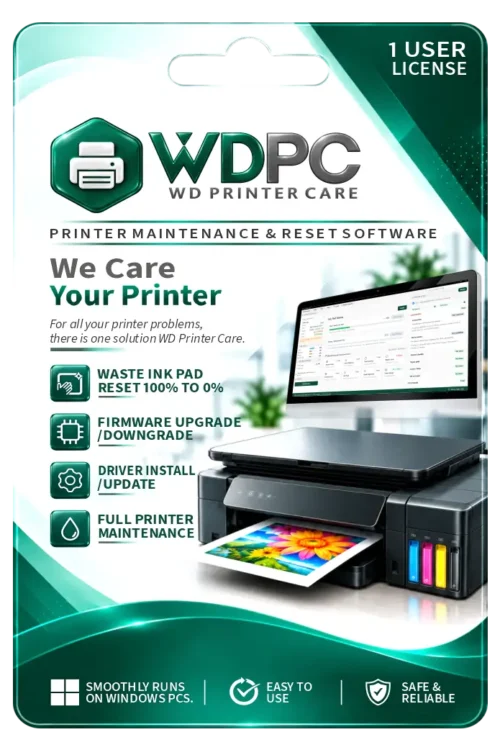
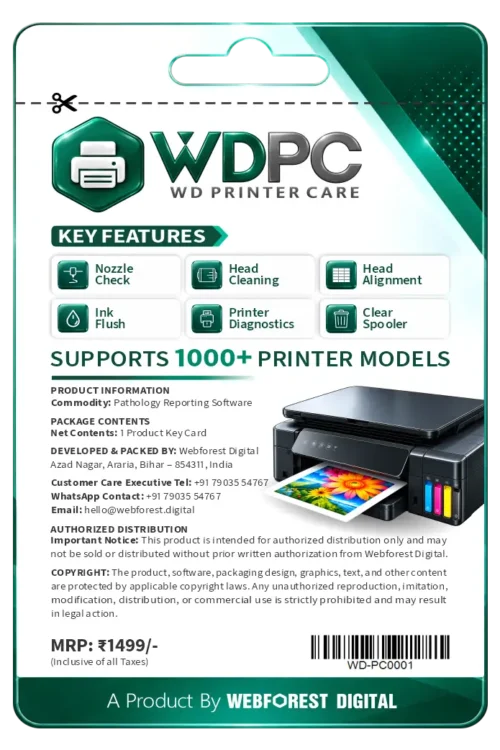
₹1,499.00 License


 Office 365
 Office 2024
 Office 2021
 Office 2019
 Office 2013
 Office 2010
 Office 2007

 Windows 12
 Windows 11
 Windows 10
 Windows 7







Reviews
There are no reviews yet.