


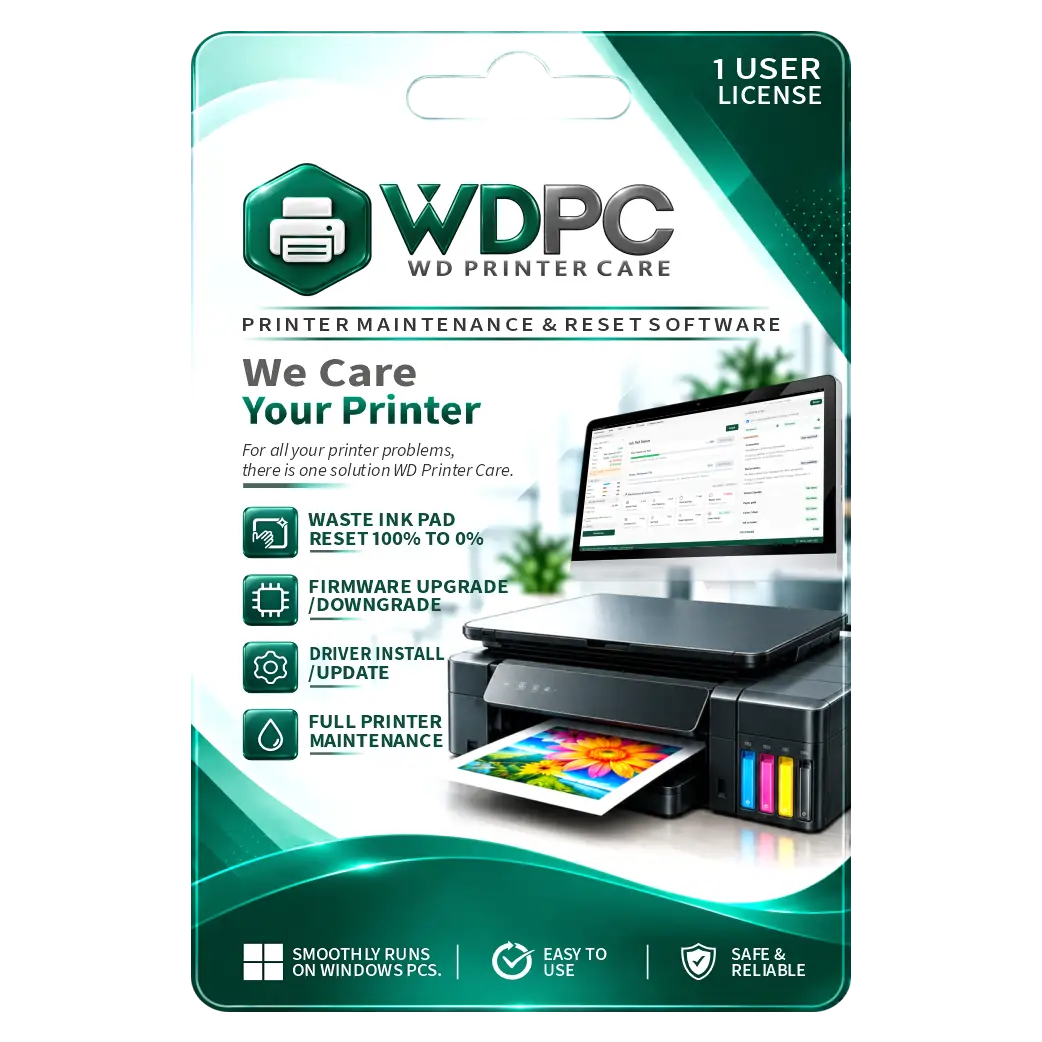
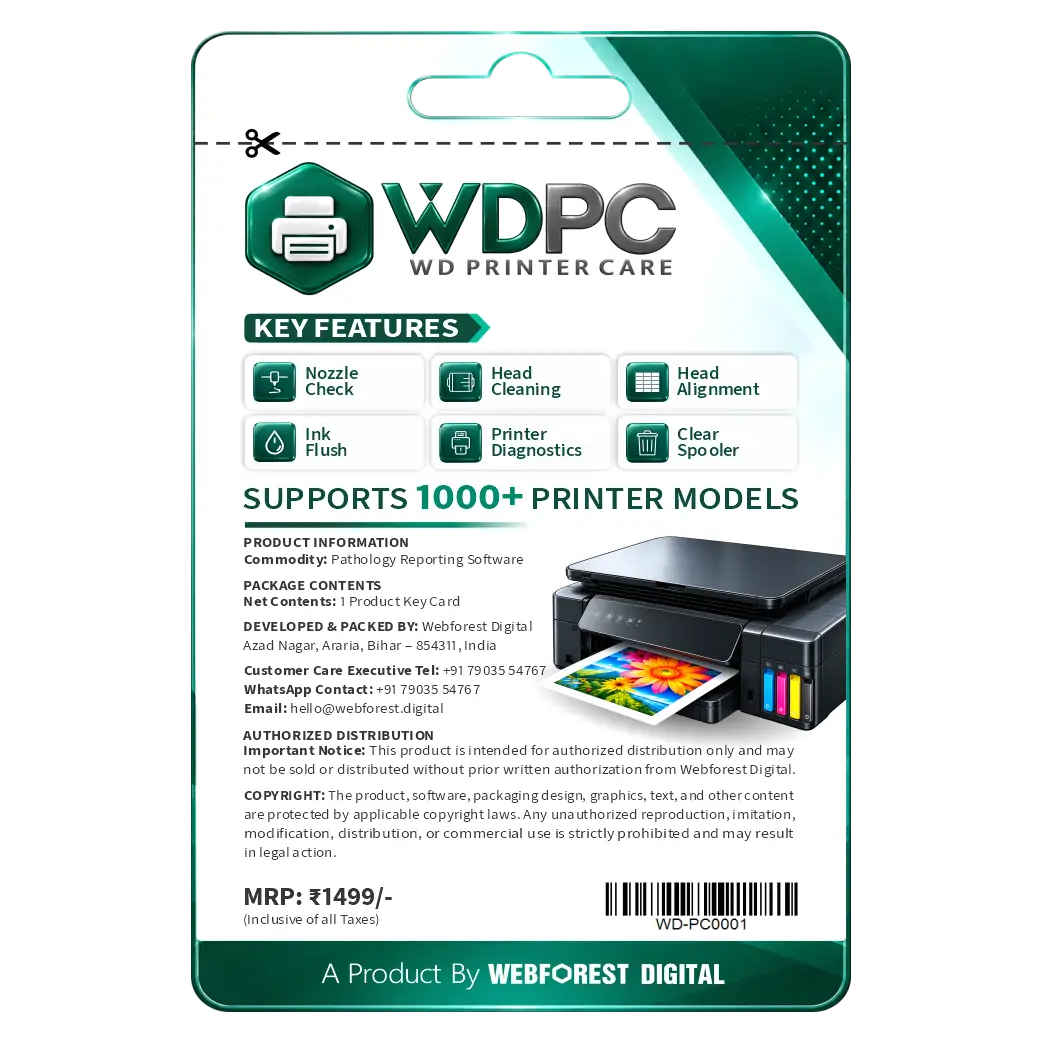
WD Printer Care 1 Year License
₹1,499.00 License

474
People watching this product now!
Description

Free Waste Ink Counter Checking Before Purchase
One-Click Waste Ink Pad Reset Solution
USB And Wi-Fi Printer Connectivity Support
No Firmware Modification Or Downgrade Required

Reviews (0)
INSTALLATION GUIDE
WD Printer Care — Installation Guide
Visit the official website: **https://wdprintercare.com/**
Click on Download Desktop App to download the WD Printer Care setup file.
Make sure your PC is running Windows 7, 8, 8.1, 10, or 11.
Run the downloaded setup file to start installation.
Follow the on-screen instructions to complete the installation.
Open WD Printer Care after installation.
Connect your compatible printer using USB or Wi-Fi.
Read your printer's waste-ink counter percentage for free.
Visit **https://wdprintercare.com/** and purchase a reset licence .
Enter the 16-digit Licence Key in the software and confirm the reset process.
Related products
Sale
Original price was: ₹699.00.₹145.00Current price is: ₹145.00. License

Sale
Original price was: ₹3,500.00.₹2,849.00Current price is: ₹2,849.00. License
Sale
Original price was: ₹799.00.₹549.00Current price is: ₹549.00. License
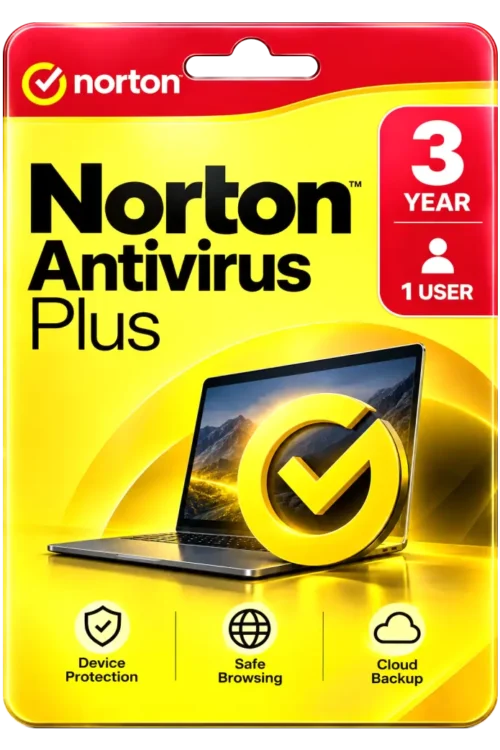
Sale
Original price was: ₹1,500.00.₹950.00Current price is: ₹950.00. License

Sale
Original price was: ₹1,550.00.₹700.00Current price is: ₹700.00. License
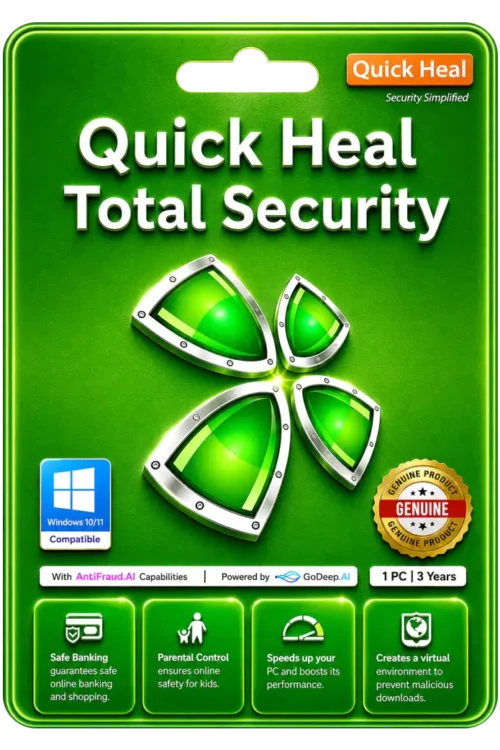
Sale
Original price was: ₹3,449.00.₹1,400.00Current price is: ₹1,400.00. License
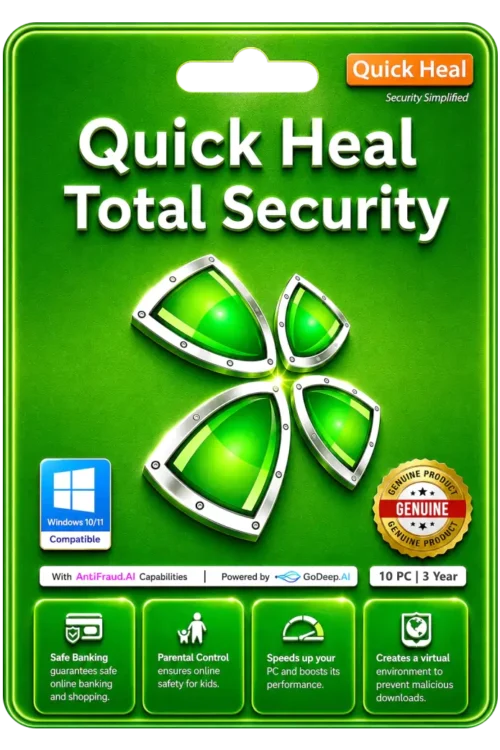
Sale
Original price was: ₹11,999.00.₹8,550.00Current price is: ₹8,550.00. License
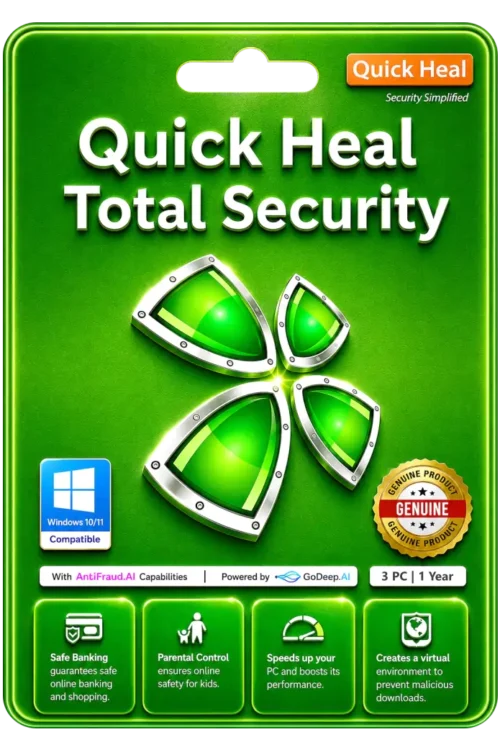
Sale
Original price was: ₹4,999.00.₹2,050.00Current price is: ₹2,050.00. License


 Office 365
 Office 2024
 Office 2021
 Office 2019
 Office 2013
 Office 2010
 Office 2007

 Windows 12
 Windows 11
 Windows 10
 Windows 7







Reviews
There are no reviews yet.