


Sale
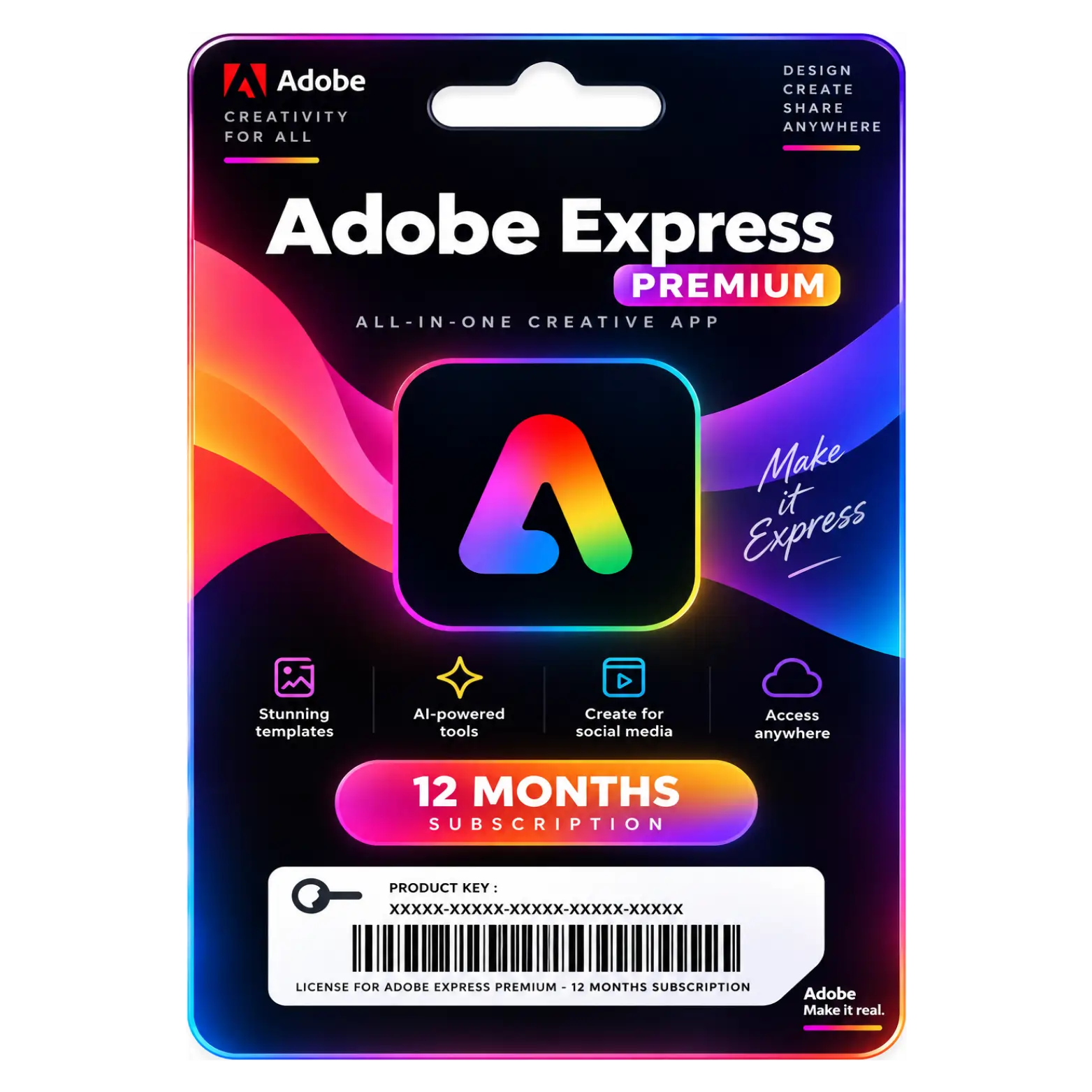
Adobe Express Premium 12 Month Subscription
Original price was: ₹4,786.00.₹499.00Current price is: ₹499.00. License

303
People watching this product now!
Description

Premium Templates Provide Professional Design Starting Points
One-Click Resize Adapts Content Across Multiple Channels
Generative AI Creates Engaging Content With Ease
Extensive Assets Offer Millions Of Creative Resources

Reviews (0)
ACTIVATION GUIDE
Adobe Express Premium Activation Guide
- Open the Adobe Express website or app.
- Click Sign In.
- Log in with your Adobe account.
- Use the account/details provided with your purchase.
- Open Account / Plans from your Adobe profile.
- Check whether Adobe Express Premium is activated.
- If you received a redemption code, open Adobe's redemption page.
- Enter your activation code and follow the instructions.
- Refresh or reopen Adobe Express after activation.
- Confirm that Premium features are now available and start creating.
Related products

Sale
Original price was: ₹799.00.₹399.00Current price is: ₹399.00. License

Sale
Original price was: ₹3,120.00.₹399.00Current price is: ₹399.00. License
Sale
Original price was: ₹799.00.₹149.00Current price is: ₹149.00. License


 Office 365
 Office 2024
 Office 2021
 Office 2019
 Office 2013
 Office 2010
 Office 2007
 Windows 12
 Windows 11
 Windows 10
 Windows 7






Reviews
There are no reviews yet.