


Sale
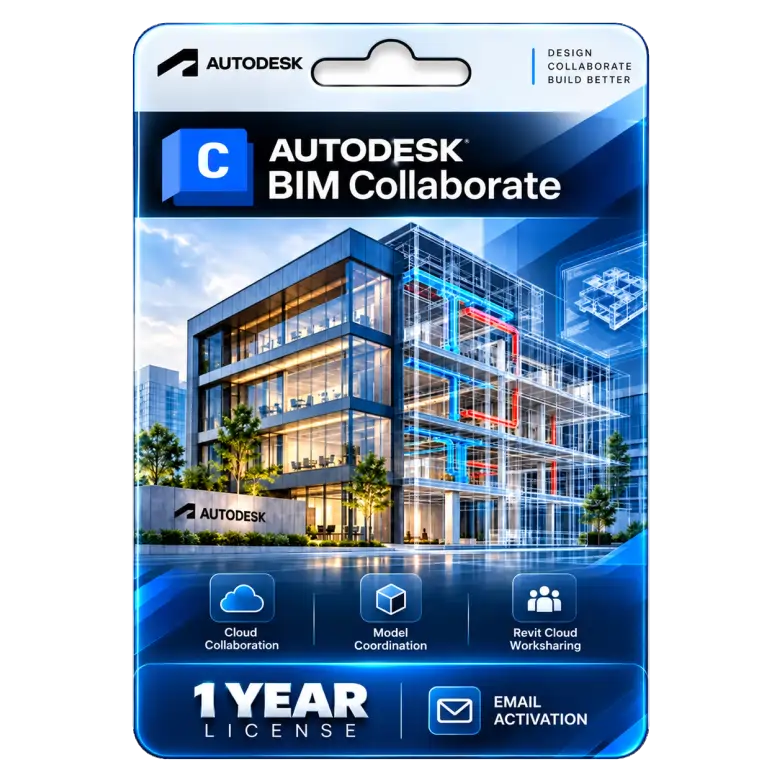
BIM Collaborate Pro 1 Year Genuine License
Original price was: ₹47,200.00.₹8,999.00Current price is: ₹8,999.00. License

157
People watching this product now!
Description

Multidiscipline Design Collaboration Connects Project Teams Together
Automated Clash Detection Identifies Design Conflicts Early
Revit Cloud Worksharing Enables Real-Time Coauthoring Workflows
Centralized Issue Tracking Improves Resolution Accountability Effectively

Reviews (0)
Activation Guide
🏗️ Autodesk BIM Collaborate Pro — Activation Guide
- Open the Autodesk Account website.
- Sign in using the email address provided for activation.
- Go to Products & Services.
- Find BIM Collaborate Pro / Forma Design Collaboration in your account.
- Click Access or Access Now.
- If prompted, click Activate to activate the account/hub.
- Select Create a new account or convert an existing account if applicable.
- Complete the account setup and choose the required data storage region.
- Confirm that the BIM Collaborate Pro subscription is assigned to your Autodesk ID.
- Open Autodesk Construction Cloud / Forma and verify that the BIM collaboration features are available.
Related products

Sale
Original price was: ₹10,490.00.₹6,590.00Current price is: ₹6,590.00. License

Sale
Original price was: ₹10,490.00.₹1,049.00Current price is: ₹1,049.00. License
Sale
Original price was: ₹15,000.00.₹6,500.00Current price is: ₹6,500.00. License

Sale
Original price was: ₹1,849.00.₹1,249.00Current price is: ₹1,249.00. License

Sale
Original price was: ₹1,249.00.₹749.00Current price is: ₹749.00. License

Sale
Original price was: ₹122,016.00.₹11,500.00Current price is: ₹11,500.00. License

Sale
Original price was: ₹10,490.00.₹6,590.00Current price is: ₹6,590.00. License

Sale
Original price was: ₹8,000.00.₹5,800.00Current price is: ₹5,800.00. License


 Office 365
 Office 2024
 Office 2021
 Office 2019
 Office 2013
 Office 2010
 Office 2007
 Windows 12
 Windows 11
 Windows 10
 Windows 7






Reviews
There are no reviews yet.