


Sale
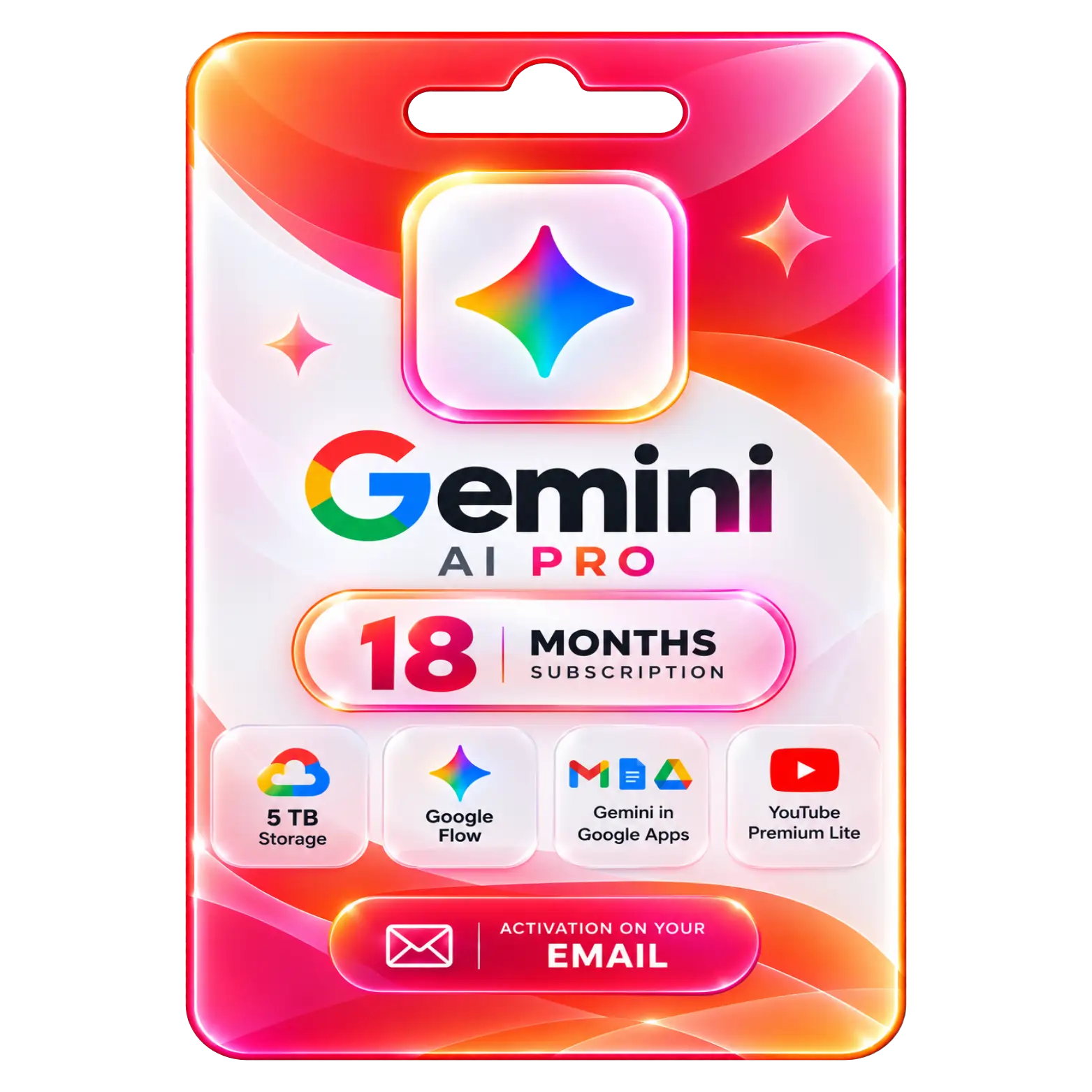
Gemini AI Pro 18 Month Subscription
Original price was: ₹35,100.00.₹1,549.00Current price is: ₹1,549.00. License

537
People watching this product now!
Description

5 TB Cloud Storage Provides Ample Space
Google Flow Supports AI-Powered Video Creation Tools
Gemini In Google Apps Enhances Everyday Productivity
YouTube Premium Lite Offers Reduced Ad Interruptions

Reviews (0)
Activation Guide
✨ Gemini AI Pro — Activation Guide
- Open the activation link received after your purchase.
- Sign in with your Google Account (Gmail).
- Make sure you select the Gmail account where you want the subscription activated.
- Review the Google AI Pro offer shown on the screen.
- Click Activate / Redeem to claim the subscription.
- Follow the on-screen instructions to complete activation.
- Open Google One and check your membership status.
- Open Gemini and verify that your AI Pro benefits are available.
- Check your Google storage to confirm the increased storage included with your plan.
- Your Gemini AI Pro subscription is now active and ready to use.
Related products

Sale
Original price was: ₹22,999.00.₹6,999.00Current price is: ₹6,999.00. License


 Office 365
 Office 2024
 Office 2021
 Office 2019
 Office 2013
 Office 2010
 Office 2007
 Windows 12
 Windows 11
 Windows 10
 Windows 7






Reviews
There are no reviews yet.