


Sale
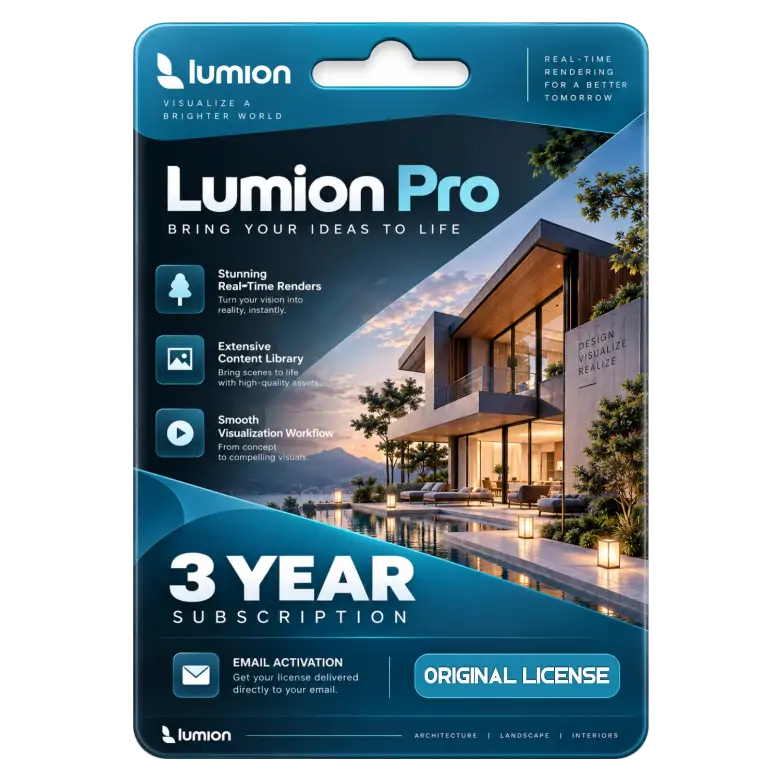
Lumion Pro 3 Year Subscription On Your Email
Original price was: ₹79,999.00.₹5,499.00Current price is: ₹5,499.00. License

224
People watching this product now!
Description

Real-time architectural visualization with stunning photorealistic
Extensive asset library for immersive scene creation
Fast rendering workflow improving design presentation efficiency
Advanced animation tools for dynamic architectural walkthrough

Reviews (0)
Activation Guide
Lumion Pro — Activation Guide
- Download and install Lumion Pro on your PC.
- Open Lumion Pro and connect to the Internet.
- Sign in with your Lumion Account.
- Go to License Keys in your Lumion Account.
- Register the License Key received with your purchase, if it is not already registered.
- Open the registered license and find the Activation Code.
- Start Lumion and enter the Activation Code if requested.
- Select your registered Lumion Pro license and continue.
- Wait for the license verification to complete.
- Restart Lumion if required and confirm that Lumion Pro is activated. Lumion 2025.1 and newer requires a Lumion Account sign-in when starting the software.
Related products

Sale
Original price was: ₹5,000.00.₹2,900.00Current price is: ₹2,900.00. License

Sale
Original price was: ₹10,490.00.₹1,049.00Current price is: ₹1,049.00. License

Sale
Original price was: ₹1,849.00.₹1,249.00Current price is: ₹1,249.00. License

Sale
Original price was: ₹122,016.00.₹11,500.00Current price is: ₹11,500.00. License

Sale
Original price was: ₹10,490.00.₹6,590.00Current price is: ₹6,590.00. License

Sale
Original price was: ₹2,549.00.₹1,549.00Current price is: ₹1,549.00. License

Sale
Original price was: ₹8,000.00.₹4,249.00Current price is: ₹4,249.00. License

Sale
Original price was: ₹8,000.00.₹5,800.00Current price is: ₹5,800.00. License


 Office 365
 Office 2024
 Office 2021
 Office 2019
 Office 2013
 Office 2010
 Office 2007
 Windows 12
 Windows 11
 Windows 10
 Windows 7






Reviews
There are no reviews yet.