


Sale
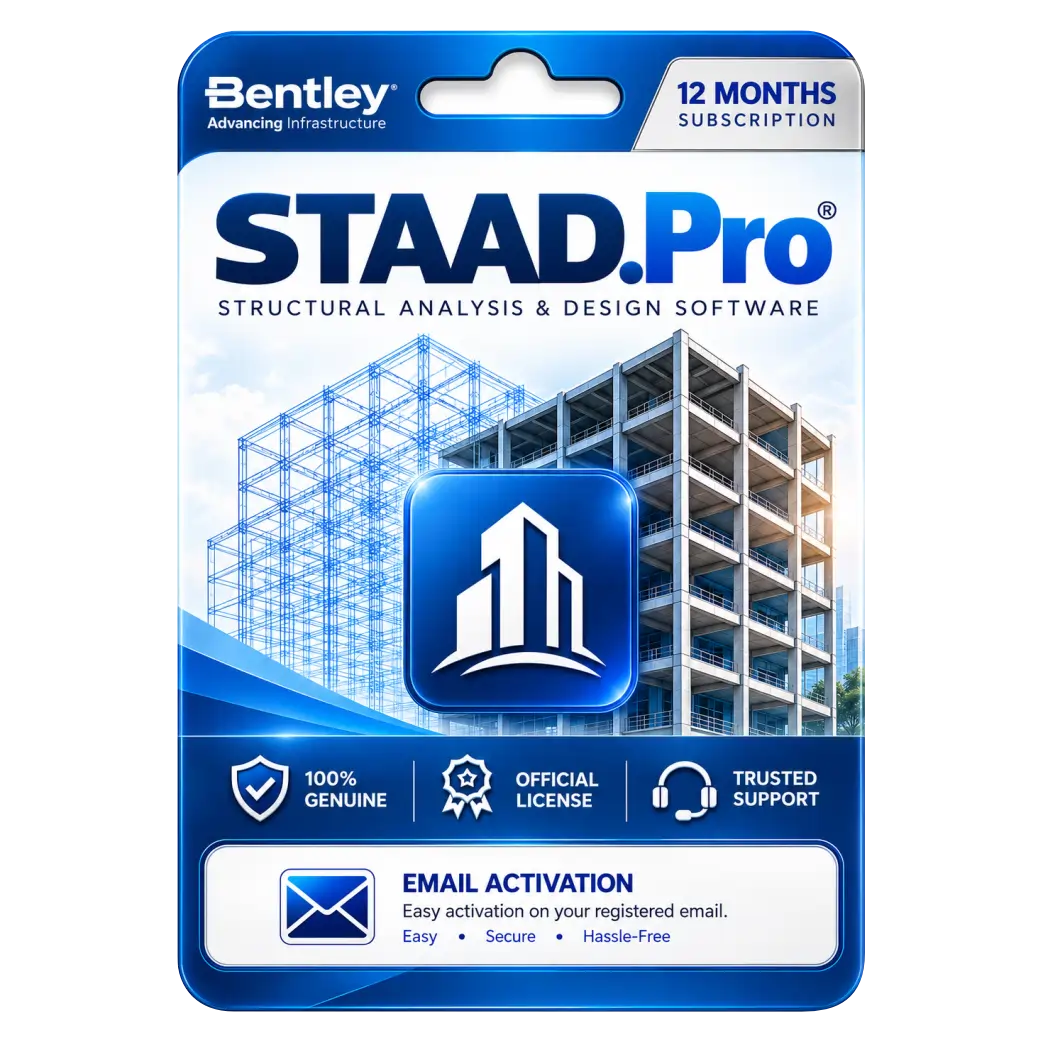
STAAD Pro Structural Analysis and Design Software For 1 Year
Original price was: ₹97,887.00.₹8,499.00Current price is: ₹8,499.00. License

238
People watching this product now!
Description

Finite Element Analysis Supports Comprehensive Structural Modeling
Steel Concrete Design Supports Multiple Structural Projects
International Design Codes Support Regulatory Compliance Requirements
Automated Load Generation Simplifies Structural Analysis Workflows

Reviews (0)
Activation Guide
🏗️ STAAD.Pro — Activation Guide
- Install STAAD.Pro on your PC.
- Make sure your PC is connected to the Internet.
- Open STAAD.Pro.
- Install/open Bentley CONNECTION Client.
- Sign in using the Bentley account/email provided for your license.
- Return to STAAD.Pro and open License / Configure Licenses.
- Select the STAAD.Pro license available in your account.
- Click Accept / Apply to save the license configuration.
- Restart STAAD.Pro after successful license verification.
- Open License Information and confirm that your STAAD.Pro license is active.
Related products

Sale
Original price was: ₹1,500.00.₹949.00Current price is: ₹949.00. License

Sale
Original price was: ₹15,000.00.₹6,500.00Current price is: ₹6,500.00. License

Sale
Original price was: ₹3,999.00.₹2,049.00Current price is: ₹2,049.00. License

Sale
Original price was: ₹3,500.00.₹2,490.00Current price is: ₹2,490.00. License
Sale
Original price was: ₹1,890.00.₹1,240.00Current price is: ₹1,240.00. License

Sale

Original price was: ₹60,000.00.₹8,000.00Current price is: ₹8,000.00. License

Sale
Original price was: ₹60,000.00.₹6,990.00Current price is: ₹6,990.00. License

Sale
Original price was: ₹8,000.00.₹5,800.00Current price is: ₹5,800.00. License


 Office 365
 Office 2024
 Office 2021
 Office 2019
 Office 2013
 Office 2010
 Office 2007
 Windows 12
 Windows 11
 Windows 10
 Windows 7






Reviews
There are no reviews yet.