


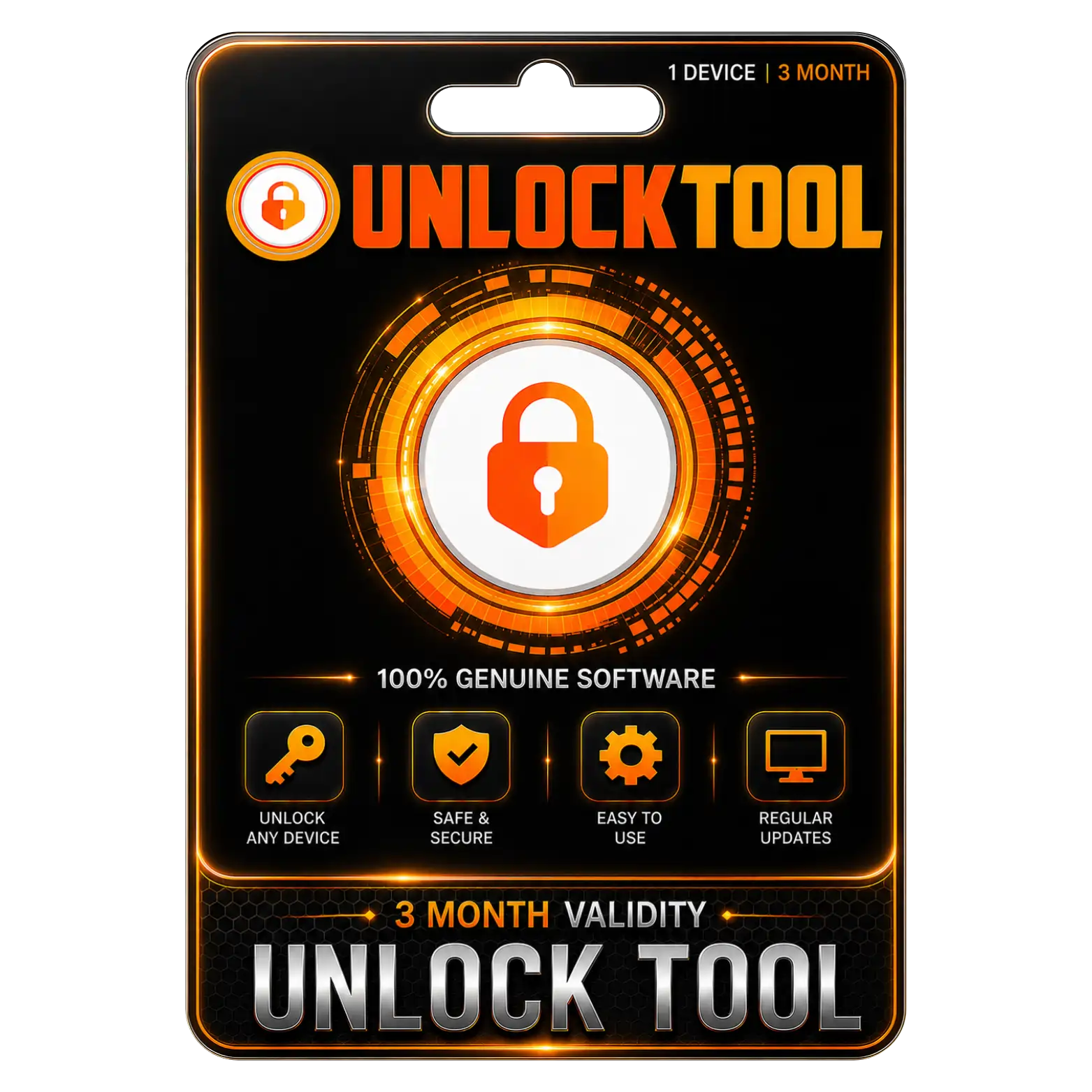
Unlock Tool 1 Device 3 Month Validity
Original price was: ₹4,999.00.₹3,000.00Current price is: ₹3,000.00. License


Supports Android And Apple Device Servicing Tasks Across Platforms
Supports Qualcomm MediaTek And Other Supported Chipsets Widely
Includes Firmware Flashing And Device Maintenance Functions Various
Regular Updates Help Maintain Compatibility With Newer Devices

UnlockTool Installation Guide
1. Download
Download the UnlockTool setup file from the download link provided after purchase.
2. Run the Installer
Right-click the downloaded setup file and select Run as Administrator.
3. Install the Software
Follow the installation wizard and click Next → Install.
4. Complete Installation
Wait for the installation to finish, then click Finish.
5. Launch UnlockTool
Open UnlockTool from the desktop or Start Menu.
6. Activate Your License
Enter the license/account details provided with your purchase and complete activation.
7. Install Required Drivers
If prompted, install the appropriate USB/device drivers and restart your computer if required.
8. Start Using UnlockTool
After successful activation, the software is ready for supported, authorized device servicing.
Related products







 Office 365
 Office 2024
 Office 2021
 Office 2019
 Office 2013
 Office 2010
 Office 2007
 Windows 12
 Windows 11
 Windows 10
 Windows 7






Reviews
There are no reviews yet.