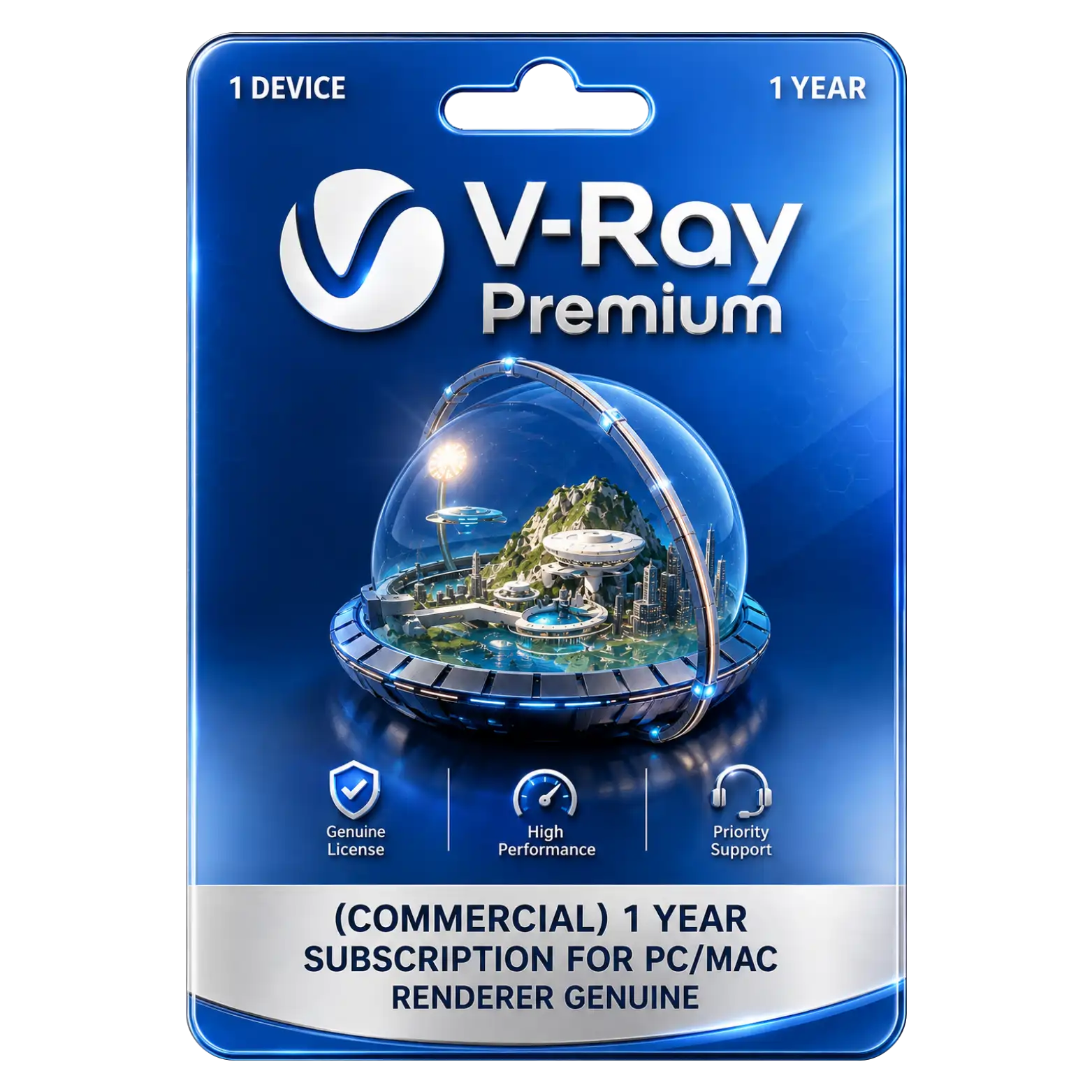
V-Ray Premium – Commercial | 1 Year Subscription for PC/Mac

Original price was: ₹60,000.00.Current price is: ₹18,749.00. License

V-Ray Premium (Education) 1 Year Subscription for PC/Mac

refundable Refundable Free Support 24/7 Free Support Documented Well Documented

price You are saving ₹41251 on this exciting deal Deal

364 People watching this product now!
Description
🌟Featureℹ️Description
Delivery Time
30 Minutes
Included
Key/Download Link/Guide
License Type
100% Genuine
Validity
Lifetime
User/Device
1 Device
Platform
Windows or Mac
Support
24 Hrs
Return/Replacement
7Days

Photorealistic Rendering Produces High Quality Visuals Professionally

Advanced rendering tools create realistic lighting materials reflections and detailed images for visualization projects.

CPU And GPU Rendering Supports Hardware Options

Render using CPU GPU or hybrid modes to utilize available hardware resources efficiently effectively.

Interactive Rendering Helps Artists Refine Scenes Efficiently

See rendering changes while working helping refine lighting materials cameras and composition efficiently easily.

Denoising Reduces Noise For Cleaner Rendering Results

Denoising helps reduce visible image noise producing cleaner results while preserving important scene details.
Reviews (0)

Reviews

There are no reviews yet.

Be the first to review “V-Ray Premium – Commercial | 1 Year Subscription for PC/Mac”

Your email address will not be published. Required fields are marked *

You have to be logged in to be able to add photos to your review.

INSTALLATION GUIDE

V-Ray Premium Installation Guide

1. Download
Download the V-Ray Premium setup file for your PC/Mac from the provided download link.

2. Run the Installer
Open the downloaded installer and follow the on-screen instructions to begin installation.

3. Accept License Agreement
Read and accept the Chaos license agreement, then click Next to continue.

4. Select Installation Options
Choose the required installation options and keep the default settings unless customization is needed.

5. Install V-Ray
Click Install and wait for the installation to complete.

6. Complete Installation
Once installation finishes, click Finish to close the installer.

7. Sign In to Chaos Account
Launch V-Ray and sign in using the Chaos account associated with your subscription.

8. Activate License
Verify that your V-Ray Premium Commercial 1-Year license is active in the Chaos licensing system.

9. Start Using V-Ray
Open your supported 3D application and start using V-Ray for rendering.