


Sale
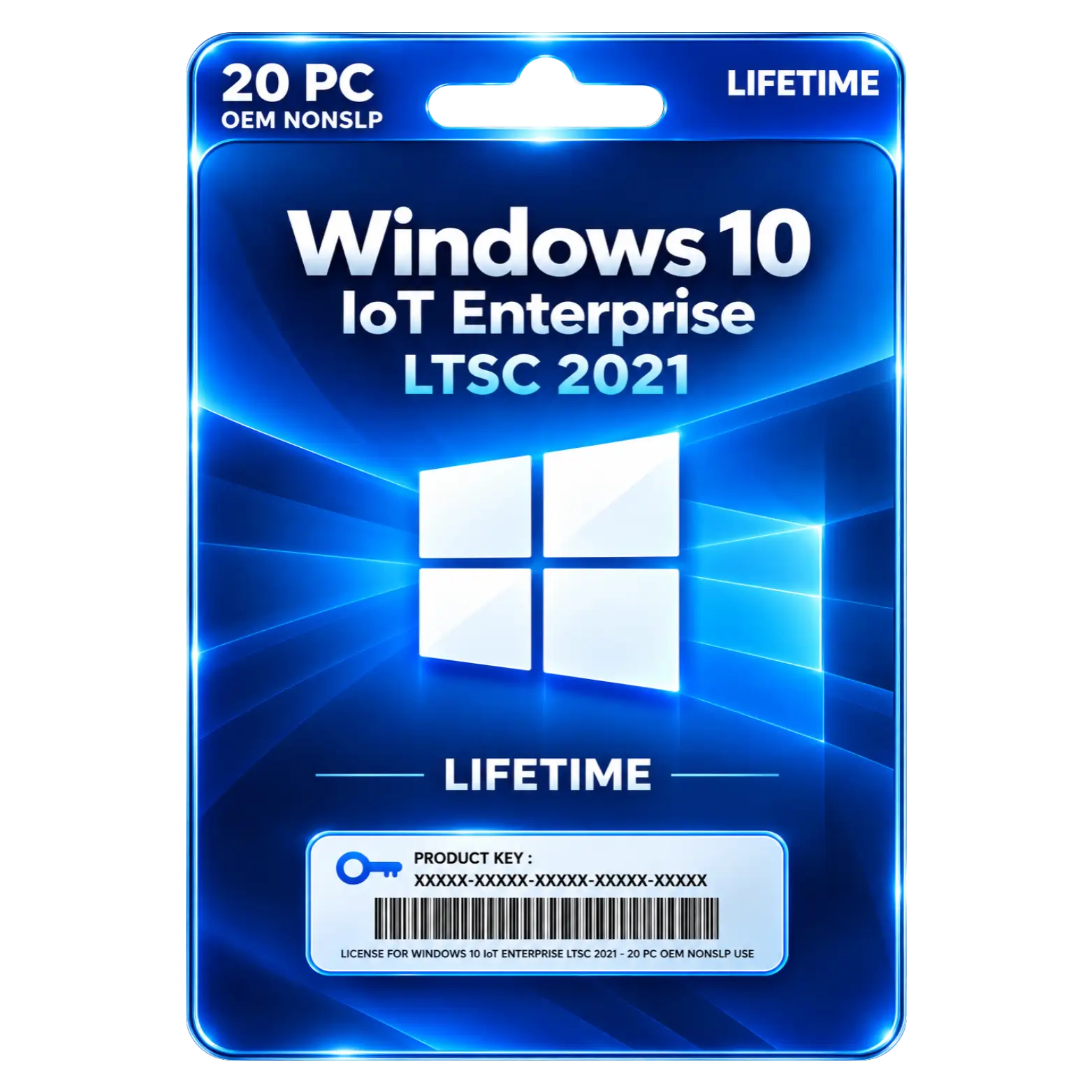
Windows 10 IoT Enterprise LTSC 2024 20 PC
Original price was: ₹4,999.00.₹2,199.00Current price is: ₹2,199.00. License

419
People watching this product now!
Description

Long Term Servicing Supports Stable Enterprise Deployments
Enterprise Security Helps Protect Devices And Data
Specialized Platform Supports Fixed Function Device Deployments
Reduced Feature Changes Simplify Long Term Management

Reviews (0)
ACTIVATION GUIDE
🔑 Windows 10 IoT Enterprise 2021 Activation Guide
- Connect your PC to the Internet.
- Open Settings on your Windows PC.
- Go to System → Activation.
- Click Change product key.
- Enter the 25-character product key provided with your purchase.
- Click Next to verify the product key.
- Click Activate to start online activation.
- Wait until Windows confirms that the activation was successful.
- Restart your PC after successful activation.
- Return to Settings → System → Activation and confirm “Windows is activated.”
Related products
Sale
Original price was: ₹1,449.00.₹360.00Current price is: ₹360.00. License
Sale
Original price was: ₹3,549.00.₹400.00Current price is: ₹400.00. License
Sale
Original price was: ₹3,549.00.₹1,990.00Current price is: ₹1,990.00. License
Sale
Original price was: ₹1,549.00.₹349.00Current price is: ₹349.00. License
Sale
Original price was: ₹1,549.00.₹290.00Current price is: ₹290.00. License
Sale
Original price was: ₹449.00.₹260.00Current price is: ₹260.00. License
Sale
Original price was: ₹449.00.₹150.00Current price is: ₹150.00. License
Sale
Original price was: ₹449.00.₹390.00Current price is: ₹390.00. License


 Office 365
 Office 2024
 Office 2021
 Office 2019
 Office 2013
 Office 2010
 Office 2007
 Windows 12
 Windows 11
 Windows 10
 Windows 7






Reviews
There are no reviews yet.