


Sale
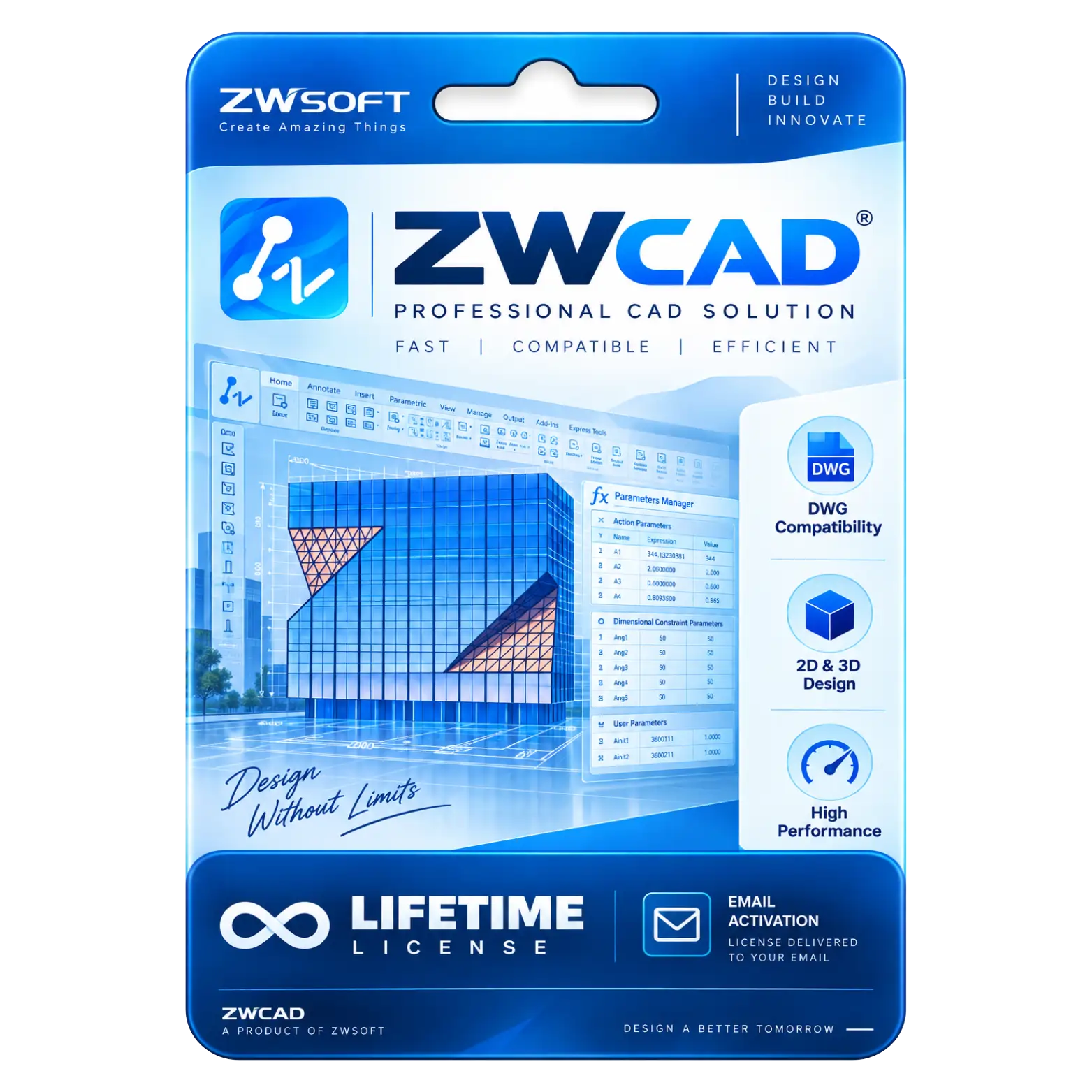
ZWCAD CAD Software for 3D and 2D Designing
Original price was: ₹110,000.00.₹65,000.00Current price is: ₹65,000.00. License

322
People watching this product now!
Description

DWG Compatibility Supports Seamless Professional CAD Workflows
2D And 3D Design Enable Versatile Modeling
High Performance Delivers Fast Efficient CAD Operations
Parametric Design Supports Intelligent Drawing Automation Workflows

Reviews (0)
Activation Guide
🖥️ ZWCAD Activation Guide
- Download and install the ZWCAD version included with your purchase.
- Launch ZWCAD on your PC.
- Connect your PC to the Internet.
- Open the License Manager / Activation option.
- Select Online Activation.
- Enter the License Key received in your email.
- Click Activate to verify the license.
- Wait for the activation confirmation.
- Restart ZWCAD after successful activation.
- Open License Manager and confirm that your Lifetime License is active.
Related products
Sale Sold out
Original price was: ₹10,490.00.₹4,500.00Current price is: ₹4,500.00. License
Sale
Original price was: ₹10,490.00.₹6,590.00Current price is: ₹6,590.00. License

Sale
Original price was: ₹1,849.00.₹1,349.00Current price is: ₹1,349.00. License

Sale
Original price was: ₹1,849.00.₹1,249.00Current price is: ₹1,249.00. License
Sale
Original price was: ₹1,249.00.₹749.00Current price is: ₹749.00. License
Sale
Original price was: ₹10,490.00.₹6,590.00Current price is: ₹6,590.00. License

Sale
Original price was: ₹10,490.00.₹6,590.00Current price is: ₹6,590.00. License
Sale
Original price was: ₹60,000.00.₹8,000.00Current price is: ₹8,000.00. License


 Office 365
 Office 2024
 Office 2021
 Office 2019
 Office 2013
 Office 2010
 Office 2007
 Windows 12
 Windows 11
 Windows 10
 Windows 7






Reviews
There are no reviews yet.